
Crop Marks (also known as Registration Marks or Positioning Marks) are specific geometric symbols or lines printed in the corners of a design. They act as “navigation anchors” for a digital Cutting Plotter. By scanning these marks using an optical eye or laser sensor, the plotter aligns its internal coordinate system with the physical print on the media, allowing for an exact “Print & Cut” workflow.
Read more
Why It Matters
Why It Matters: Impact and Use
In professional garment and sticker production, Crop Marks are the foundation of precision. Mastering their use is a technical pillar of E-E-A-T (Expertise, Authoritativeness, and Trustworthiness), as misaligned cuts are the primary cause of wasted material and poor product quality.
- “No-Weed” Automation: For industrial workflows, Crop Marks allow for the automated processing of entire rolls or sheets of transfers, significantly increasing CTR (Click-Through Rate) on production efficiency by reducing manual setup time.
- Precision Alignment: Without marks, a plotter has no way of knowing exactly where the design sits on the sheet. Crop Marks allow the plotter to compensate for any slight skewing or “shifting” that may have occurred during the printing process.
- Complex Shape Cutting: They enable the creation of “contoured” stickers or intricate heat transfers (like Printable Flex) where the blade must follow a path around the printed graphic with sub-millimeter accuracy.
- Compensation for Distortion: “High-quality cutting software (such as Graphtec Studio 2 or Silhouette Studio) can use multiple crop marks to detect if the media has stretched or shrunk during the printing process, automatically adjusting the cut path to match.”
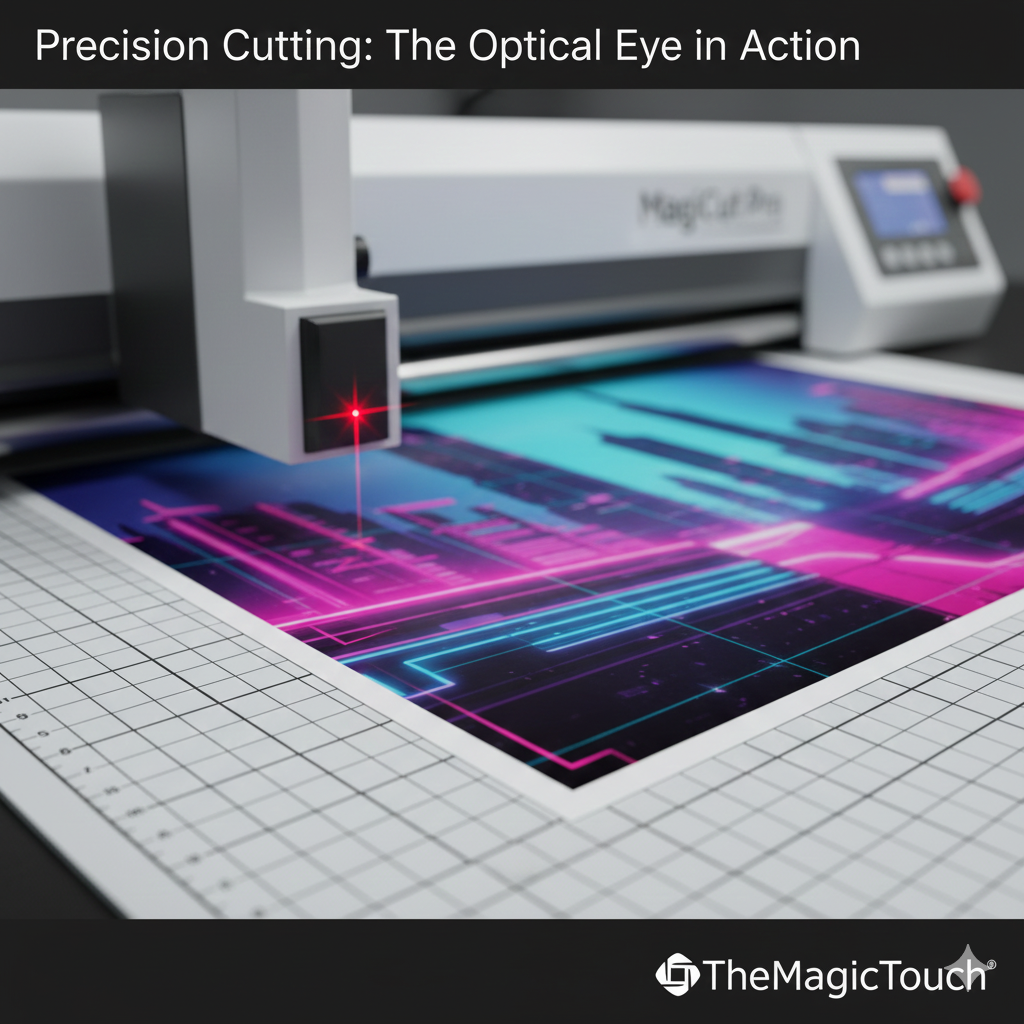
Comparison: Common Mark Types
| Mark Type | Appearance | Best Use Case | Benefit |
| Type 1 (L-Mark) | Small “L” shapes in corners. | Standard sticker sheets. | Maximizes the usable print area. |
| Type 2 (Square) | Small solid black squares. | High-speed industrial plotters. | Easiest for optical sensors to detect quickly. |
| Segment Marks | Lines between designs. | Long rolls (over 1 meter). | Maintains accuracy over long distances. |
Frequently Asked Questions
Why is my plotter failing to find the crop marks?
This is often caused by insufficient lighting or the marks being printed too close to the edge of the media. Ensure there is at least 10-20mm of ‘quiet zone’ (blank space) around the marks so the sensor can identify them without interference.
Do I need crop marks for every cut job?
No. You only need crop marks for ‘Print & Cut’ jobs. If you are just cutting colored vinyl (like standard Flex Foil) without a printed image, the plotter uses the edge of the material to set its starting point.
Can I manually draw crop marks?
No. Crop marks must be generated by your design software (e.g., CorelDRAW, Adobe Illustrator, or specialized plotter software). The software needs to know exactly where those marks are located relative to the design to send the correct coordinates to the cutter.
 4.7
4.7




