
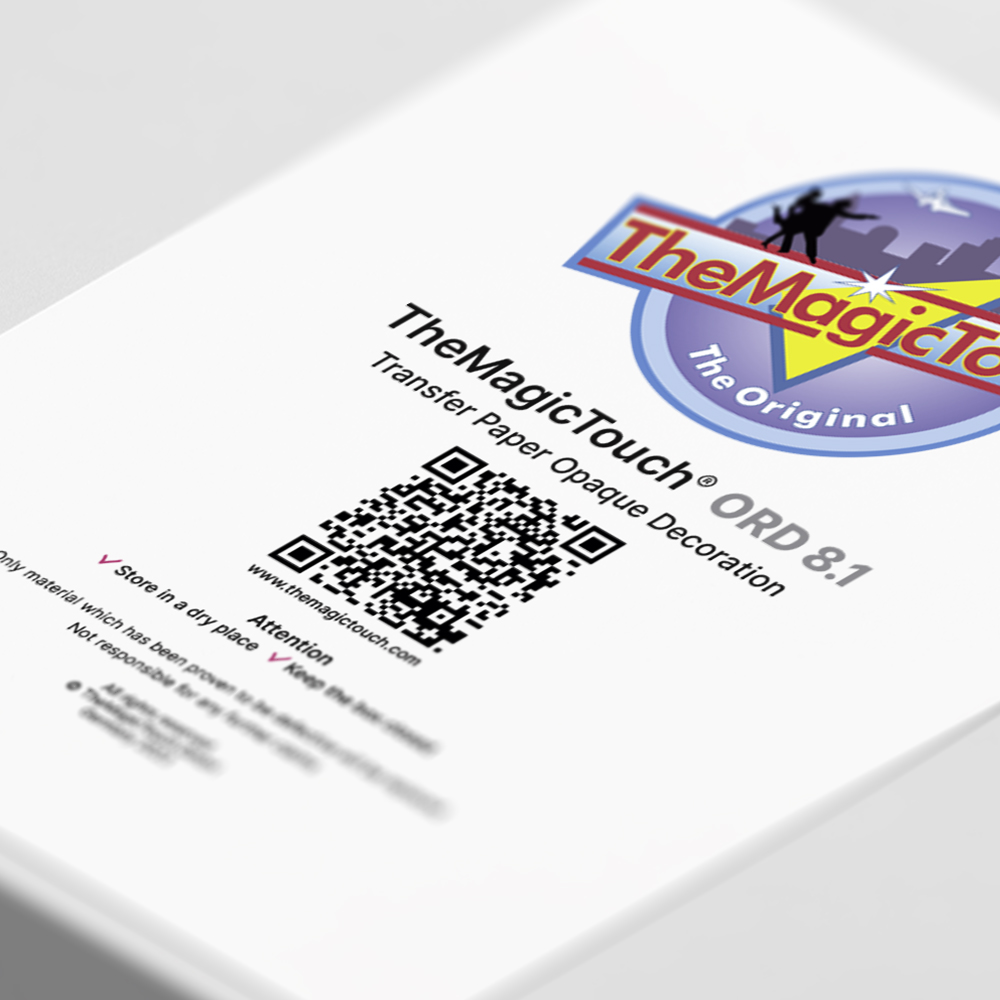
TheMagicTouch ORD 8.1




from €15,00
You save
per box
Discover TheMagicTouch ORD 8.1, your single-step transfer solution for acrylic and glass printing.
SKU: 90075
- Order by 4:00 PM for Next-Day Delivery*
- Pricing Agreements for Every Customer
- Free Shipping on all orders over 95,00*
- Rated 4.8/5.0 for Friendly, Expert Service
- 35+ Years of Proven Industry Expertise
Description
TheMagicTouch ORD 8.1 transferpaper is your solution for flawless printing on flat glass and acrylic surfaces. With this premium transferpaper the printed design remains on the back of the glass or acrylic, ensuring complete coverage. Its efficiency makes it a popular choice for sports awards and photo frames, offering a quick and hassle-free application process.
Key features
- Glass and acrylic surfaces.
- Easy and fast processing.
- Compatible with color laser and LED printers.
- Perfect for producing custom promotional items, giveaways, and branded merchandise.
- Finish with ORD Flock for a luxurious look.
Printer compatibility TheMagicTouch ORD 8.1
For A3 printers: Choose TheMagicTouch ORD 8.1 A4.
For A4 printers: Choose TheMagicTouch ORD 8.1 A4-R.
Specifications
| Weight | N/A |
|---|---|
| Dimensions | N/A |
| Amount | 50 vel |
| Printing technology | Laser / LED technology |
| Action | Single step |
| Certification | REACH (EC 1907/2006) en CLP Regulation (EC) |
| Backside print | Grey |
| Format | |
| Application |
Instructions
- Step 1
Do not print in mirror image
- Step 2.
Position transferpaper facedown
- Step 3.
Place TheMagicTouch Application Sponge on the transferpaper
- Step 4.
Moisturize the application Sponge with water using a plantsprayer
- Step 6.
Set the heatpress to 140°C and low pressure
- Step 7.
Press 40 seconds
Rotate the object 180°
Press for another 40 seconds
- Step 8.
Cut of excess paper
TheMagicTouch ORD Flock
For a clean finish, use TheMagicTouch ORD flock. This is applied like a sticker on the background. Please note that when using TheMagicTouch ORD 8.1, you should not remove the excess paper before applying the flock.
FAQ
1. Why shouldn’t I remove the transfer layer?The transfer layer is not just a carrier; it is part of the final result. If you remove it, the white base disappears and therefore also the effect of the print.
The transfer layer is not just a carrier; it is part of the final result. If you remove it, the white base disappears and therefore also the effect of the print.
2. Why doesn't TheMagicTouch ORD 8.1 have a trademark on the backside print?TheMagicTouch ORD 8.1 doesn’t have a trademark on the carrier paper because the carrier paper remains attached to the product. Having a trademark could potentially become visible.
On one side of TheMagicTouch ORD 8.1, you can see the coating of the transfer layer (stripes) if you reflect light off the surface. This is the side where the print should go.
TheMagicTouch ORD 8.1 doesn’t have a trademark on the carrier paper because the carrier paper remains attached to the product. Having a trademark could potentially become visible.
On one side of TheMagicTouch ORD 8.1, you can see the coating of the transfer layer (stripes) if you reflect light off the surface. This is the side where the print should go.
1 review for TheMagicTouch ORD 8.1
You must be logged in to post a review.
Related products

Every Printing Technique explained.
Everything about printing techniques in one place. Discover the latest innovations, gain fresh inspiration, and receive personal advice. Handy tips and insights get you started right away.

 4.8
4.8




Tahira –
Wonderful!