
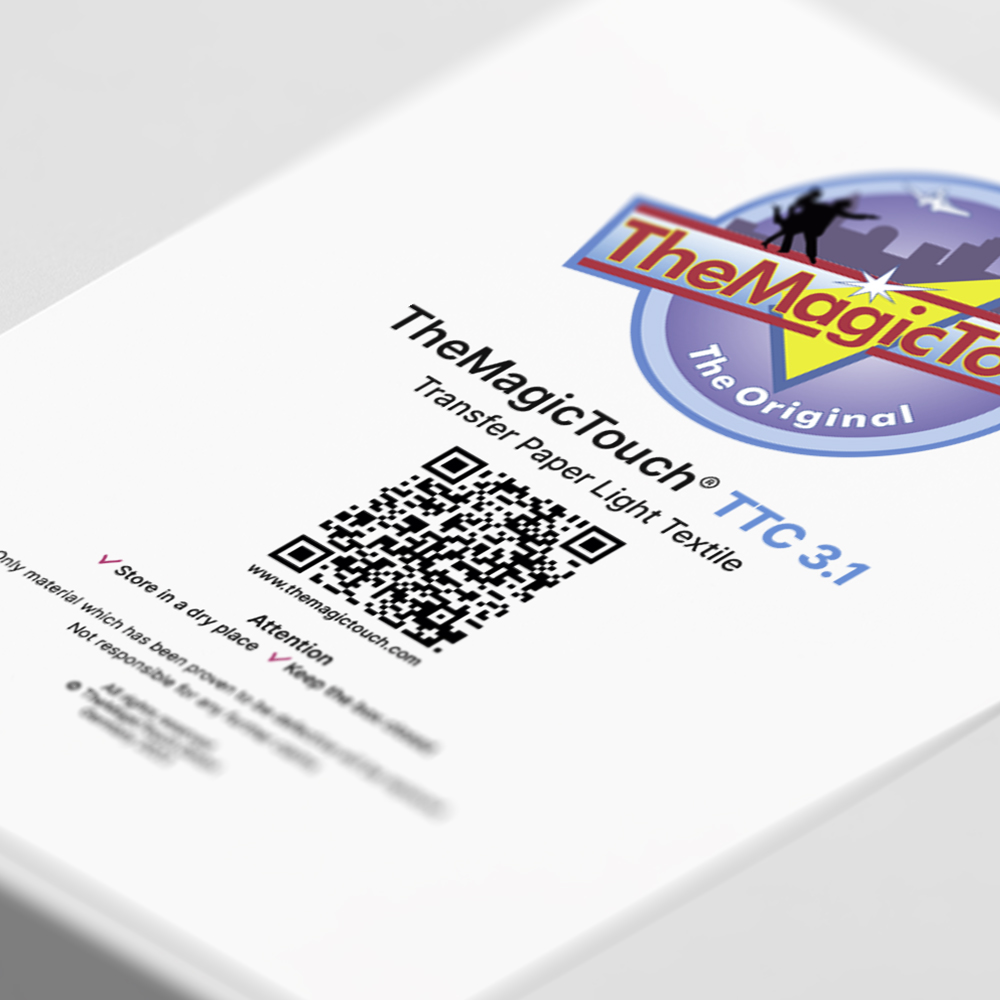
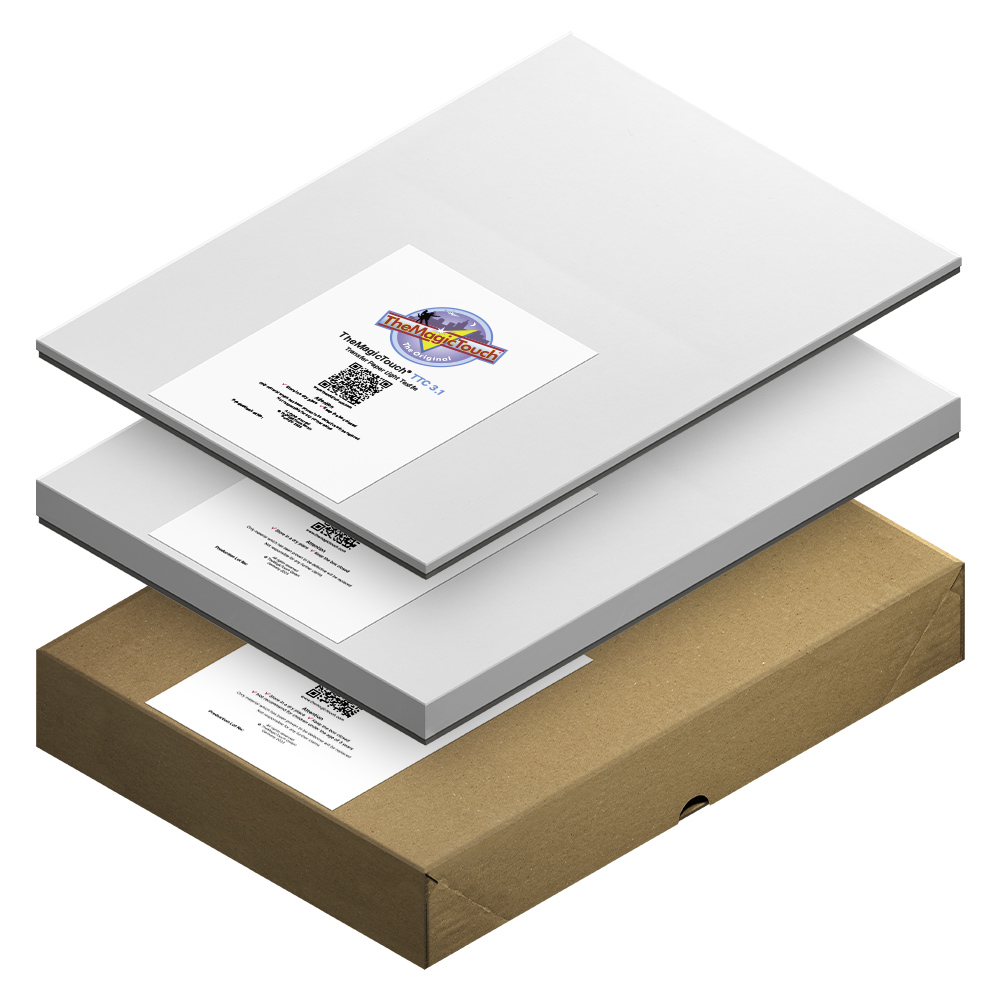
TheMagicTouch TTC 3.1




from €16,95
You save
per box
The first and most popular transfer paper solution for printing on white textiles with TheMagicTouch TTC 3.1, the single-step transfer paper designed for vibrant results on both white and light colored fabrics.
SKU: 90067
- Order by 4:00 PM for Next-Day Delivery*
- Pricing Agreements for Every Customer
- Free Shipping on all orders over 95,00*
- Rated 4.8/5.0 for Friendly, Expert Service
- 35+ Years of Proven Industry Expertise
Description
Discover the world’s best-selling transfer paper, designed for effortlessly printing on white and light-colored t-shirts and fabrics using color laser and LED printers. This premium transferpaper is known to create photos, images, and text in on a variety of blank products, including t-shirts, sweaters, mouse pads, slippers, flags, and bags. TheMagicTouch TTC is suitable for a wide range of materials, like 100% cotton, 100% polyester, cotton/polyester blends, linen, and silk.
TheMagicTouch TTC 3.1
An ultra-thin transfer layer designed for T-Shirts and smooth surfaces, requires TheMagicTouch HTP123 Basic, HTP123 Pro and Insta HTP256+ heatpress.
TheMagicTouch TTC 3.1+
A thin transfer layer designed for coarse textiles, polo shirts and sweaters.
We also recommend using TheMagicTouch TTC 3.1+ for heat press without optimal pressure to achieve better results.
Key features
- White Textile Transfers.
- Soft touch for sublime results.
- Easy and fast processing.
- Versitale from apparrel to accessoiries.
- Compatible with color laser and LED printers.
Printer compatibility
For A3 printers: Choose TheMagicTouch TTC 3.1 A4.
For A4 printers: Choose TheMagicTouch TTC 3.1 A4-R.
Specifications
| Weight | 1,5 kg |
|---|---|
| Dimensions | 43 × 22,5 × 2 cm |
| Action | 1 step paper |
| Sheet | |
| Format | |
| Variant | |
| Backside print | Blue |
| Certification | REACH (EC 1907/2006) and CLP Regulation (EC) |
| Printing Technology | Laser / LED-technology |
| Application |
Instructions
- Step 1.
Print Mirror image
- Step 2.
Positioning transfer face down
- Step 3.
Set the heatpress to 190 °C and high pressure
- Step 4.
Press 15 seconds
Rotate the object 180°
Press again 15 seconds
- Step 5.
Hot Peel the transferpaper
FAQ
1. Can TheMagicTouch TTC 3.1 be used for polyester?Yes, TheMagicTouch TTC 3.1 is suitable for various white and light-colored fabrics, including polyester and fabric blends such as cotton/polyester, as well as linen and silk.
Yes, TheMagicTouch TTC 3.1 is suitable for various white and light-colored fabrics, including polyester and fabric blends such as cotton/polyester, as well as linen and silk.
2. Is it suitable for items other than T-shirts?Absolutely! TheMagicTouch TTC 3.1 offers versatility, ideal for printing products with a fine white fabric coating, like mouse pads, slippers, bottle coolers, puzzles, coasters, and more.
Absolutely! TheMagicTouch TTC 3.1 offers versatility, ideal for printing products with a fine white fabric coating, like mouse pads, slippers, bottle coolers, puzzles, coasters, and more.
3. Can it be used for thicker white fabrics like Polo T-shirts?Indeed, that has been considered. Specifically for thicker fabrics like Pique Polo shirts and tote bags, choose TheMagicTouch TTC 3.1+ featuring a thicker transfer layer that effectively covers the fabric’s texture.
Indeed, that has been considered. Specifically for thicker fabrics like Pique Polo shirts and tote bags, choose TheMagicTouch TTC 3.1+ featuring a thicker transfer layer that effectively covers the fabric’s texture.
4. Why is my heatpress not suitable for TheMagicTouch TTC 3.1?Most heat presses are designed for other techniques such as sublimation, heat transfer vinyl (HTV), or DTF. TheMagicTouch HTP123 Basic, TheMagicTouch HTP123 Pro, and Insta HTP256+ feature optimized pressure distribution, maintain a consistent temperature even during high-volume use, and ensure even pressure across the entire platen surface.
Most heat presses are designed for other techniques such as sublimation, heat transfer vinyl (HTV), or DTF. TheMagicTouch HTP123 Basic, TheMagicTouch HTP123 Pro, and Insta HTP256+ feature optimized pressure distribution, maintain a consistent temperature even during high-volume use, and ensure even pressure across the entire platen surface.
5. Why do I have to rotate my object?This ensures that the transfer is properly pressed into the fabric on all sides, which is especially important when using heat presses without optimal pressure distribution.
This ensures that the transfer is properly pressed into the fabric on all sides, which is especially important when using heat presses without optimal pressure distribution.
6. What are the washing properties and instructions?For best washing results, wash at a maximum of 40°C / 104°F on a gentle cycle. Do not tumble dry or bleach. Never wash within 24 hours after production. Iron the image after washing; the colors will return as the fibers are flattened.
For best washing results, wash at a maximum of 40°C / 104°F on a gentle cycle. Do not tumble dry or bleach. Never wash within 24 hours after production. Iron the image after washing; the colors will return as the fibers are flattened.
7. TheMagicTouch TTC 3.1 has arrows on the back. What are they for?It is important that TheMagicTouch TTC 3.1 is always fed through the printer in the direction of the arrows. Not doing so will increase the risk of a paper jam in the printer. If you have an A4 printer, choose the A4R version. For A3 printer choose A4 and A3 sizes.
It is important that TheMagicTouch TTC 3.1 is always fed through the printer in the direction of the arrows. Not doing so will increase the risk of a paper jam in the printer. If you have an A4 printer, choose the A4R version. For A3 printer choose A4 and A3 sizes.
8. My transfer paper is difficult to remove?In that case, the transfer has cooled down too much. Place the transfer back on the T-shirt and press it again. Never remove the T-shirt from the heat press before the transfer has been removed.
In that case, the transfer has cooled down too much. Place the transfer back on the T-shirt and press it again. Never remove the T-shirt from the heat press before the transfer has been removed.
2 reviews for TheMagicTouch TTC 3.1
You must be logged in to post a review.
Related products

Every Printing Technique explained.
Everything about printing techniques in one place. Discover the latest innovations, gain fresh inspiration, and receive personal advice. Handy tips and insights get you started right away.

 4.8
4.8




Jetscreaties –
Great beautiful product. Easy to print and even easier to press. Fantastic colors really what you see is what you get.
Kusters Promo Gifts –
well received as always!