
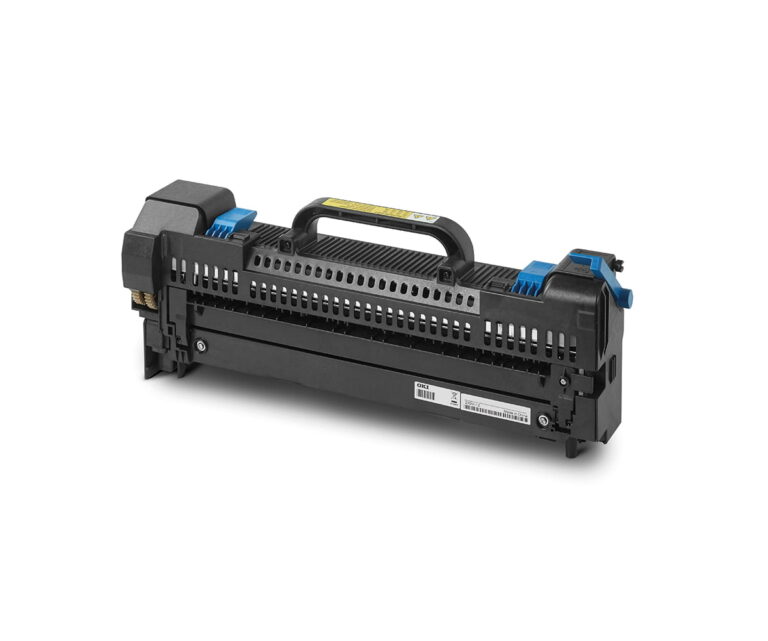
A Fuser Unit is a critical internal component of color laser and LED printers responsible for permanently bonding toner to a substrate. It consists of two primary rollers: a heated roller (containing a halogen lamp or ceramic heater) and a pressure roller. As the media passes through the “nip” (the contact point between these rollers), the combination of high temperature and mechanical pressure melts the plastic-based toner particles and presses them into the fibers of the paper or the coating of a transfer film.
Read more
Why It Matters: Impact and Use
In the world of professional transfer printing, the fuser unit is the “final gatekeeper” of quality. Understanding its function is essential in technical print operations.
- Preventing Jams and Wraps: A worn fuser unit or the use of incompatible media (like non-laser-rated plastic films) can cause the media to melt onto the rollers. This “fuser wrap” often results in permanent damage to the unit, requiring a costly replacement.
- Toner Adhesion & Wash-fastness: If the fuser does not reach the correct temperature, the toner remains “under-fused.” While the print may look fine initially, the toner will flake off when the paper is bent or, more critically, fail to migrate correctly during the heat press stage of a textile transfer.
- Media Compatibility: Different media types (e.g., TheMagicTouch WOW 7.8 vs. standard 80g copy paper) require different amounts of heat. Using “Heavy” or “Label”, or even better, using special printing software like TheMagicTouch Software Basic, ensure the print driver slows down the fuser, giving it more time to transfer heat into thicker substrates.
- Color Accuracy: In color printers, the fuser is responsible for blending the primary CMYK (and White) toner particles. Improper fusing can lead to “mottling” or a dull finish where the colors haven’t correctly liquified and combined.
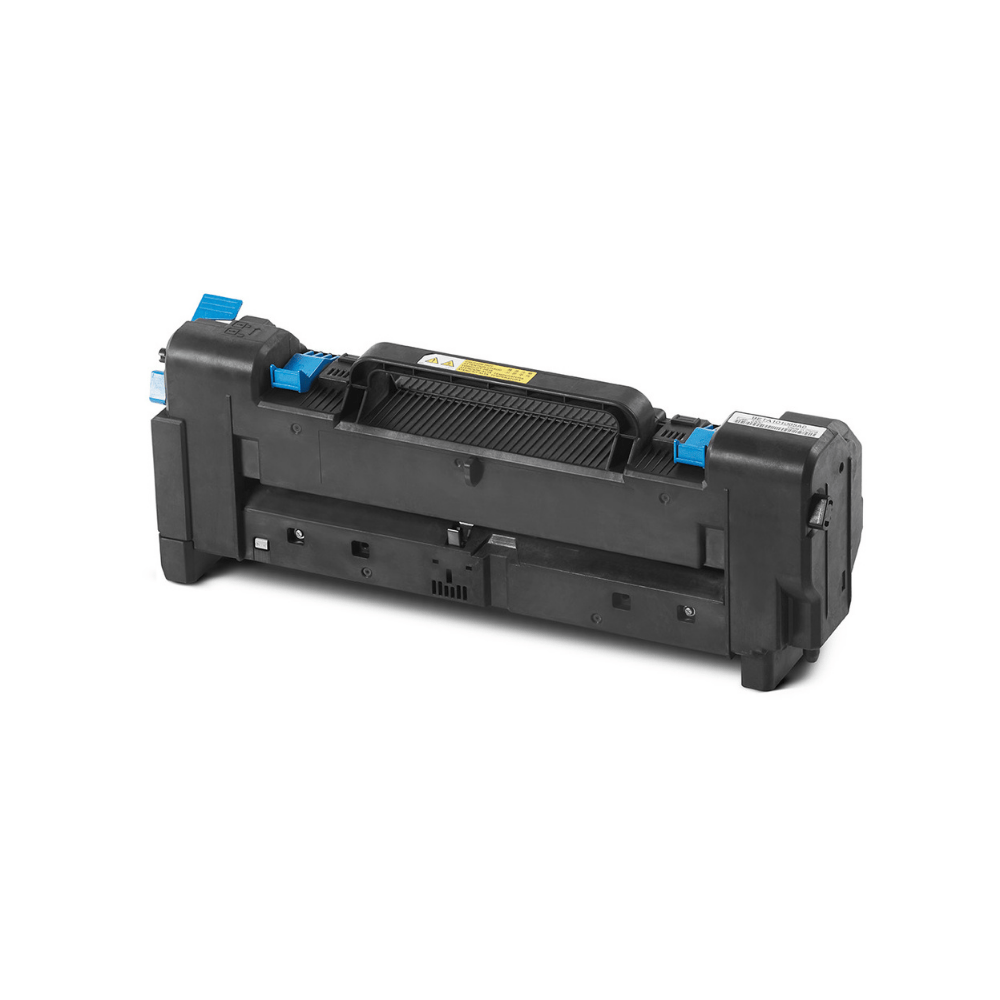
Some popular fuser units in our shop
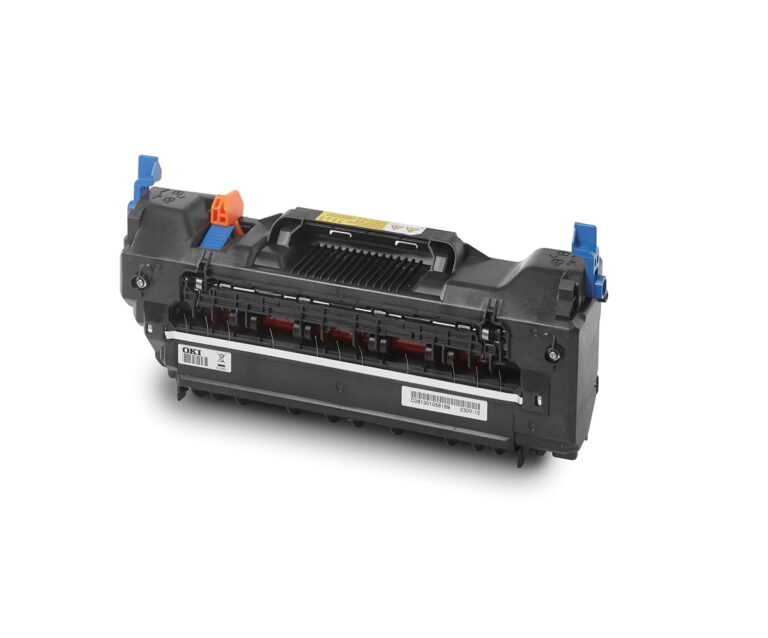
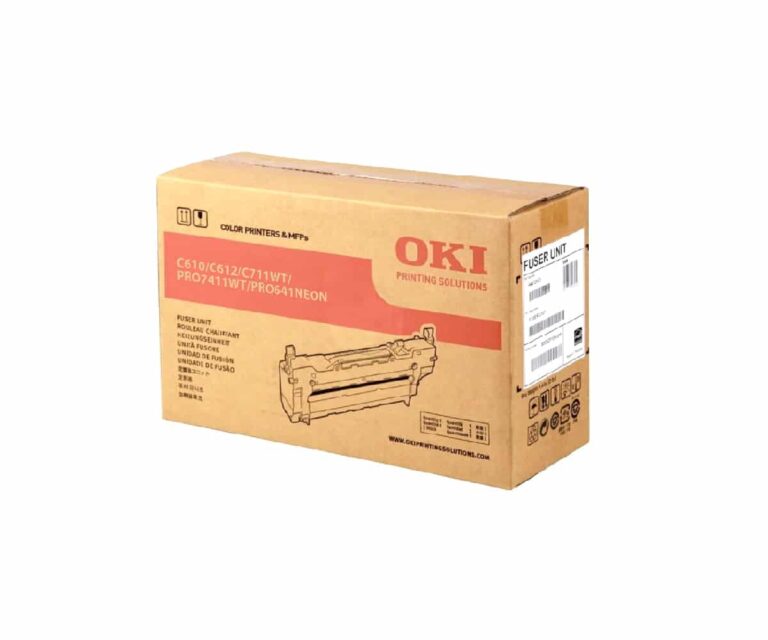
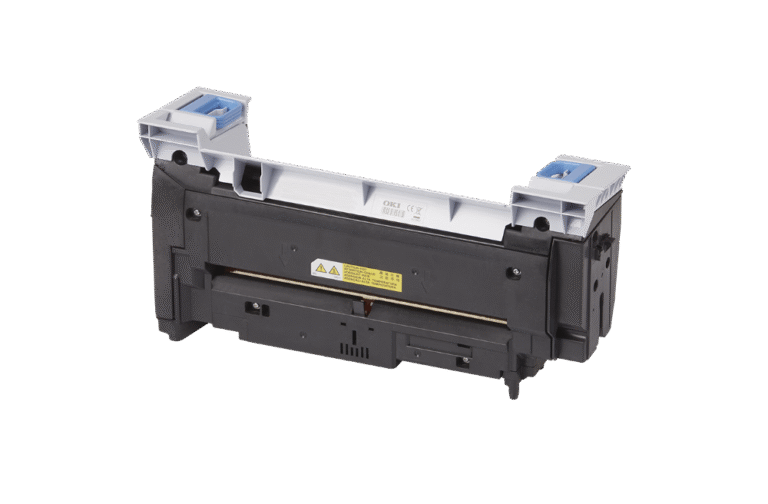
Technical Settings for Fuser Management
| Media Type | Printer Setting | Fuser Behavior | Result |
| Plain Paper | Plain/Standard | High speed, standard heat. | Fast output for documents. |
| Transfer Paper | Heavy/Labels | Slower speed, sustained heat. | Deep toner penetration for transfers. |
| Transparency | Transparency | Moderate speed, specific heat. | Prevents melting of the film base. |
Frequently Asked Questions
What are the signs of a failing fuser unit?
Common signs include toner smearing when you touch the page, repeating lines or marks at consistent intervals down the paper, and frequent paper jams in the rear of the printer.
Why is the fuser unit important for transfer paper?
Transfer papers are thicker and have special coatings. The fuser must stay hot enough and move slowly enough to ensure the toner is completely melted into that coating, otherwise, the design won’t transfer to the garment correctly.
Can I clean a fuser unit if toner is stuck to it?
Yes, the easiest way is to print a sheet of normal plain paper with no image on it. The residue of toner on the rollers will stick on the paper. Usually one or two prints are enough to clean the fuser. TheMagicTouch Software has a special “Print blank page” function for this purpose for your convenience.
 4.7
4.7




