
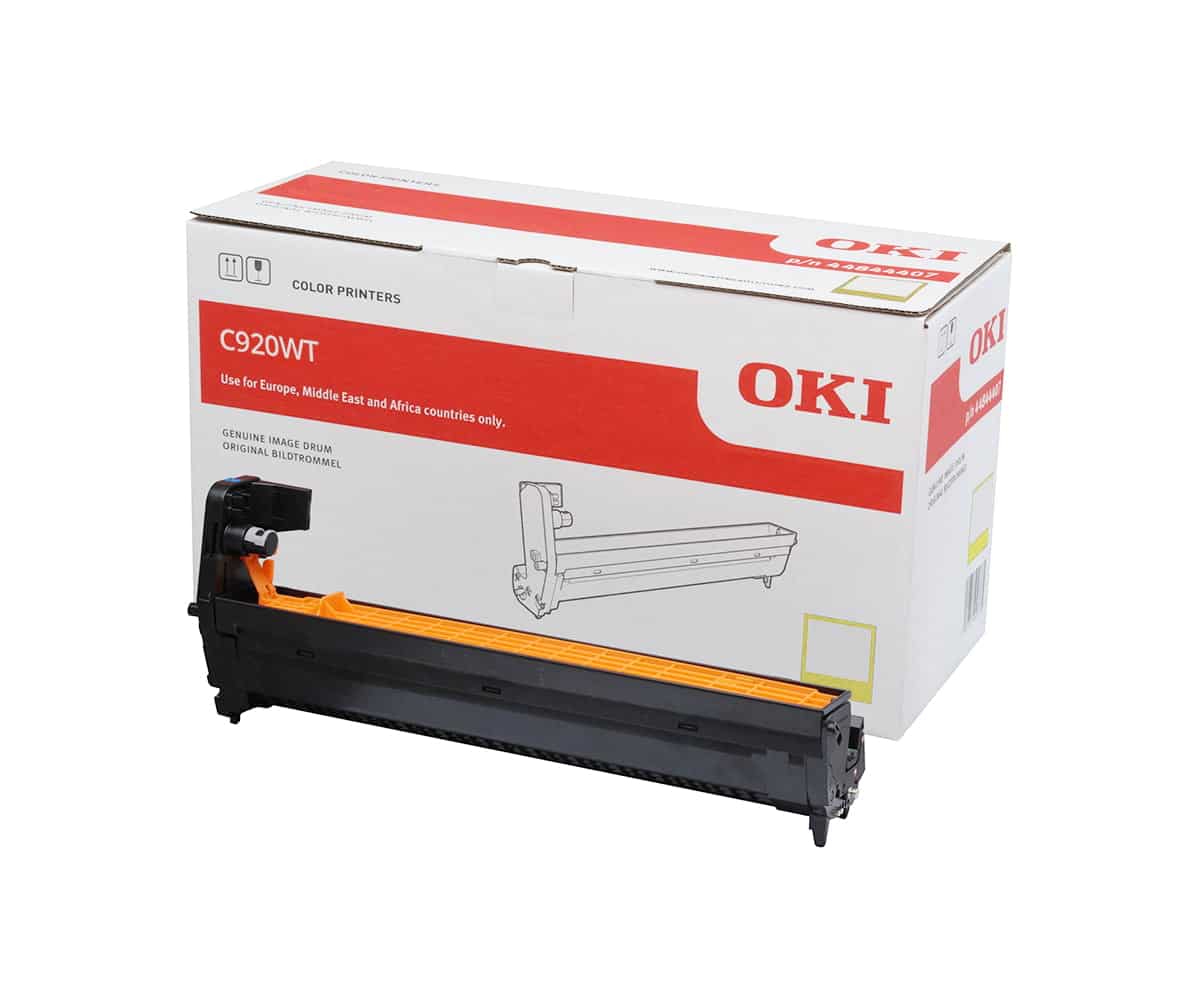
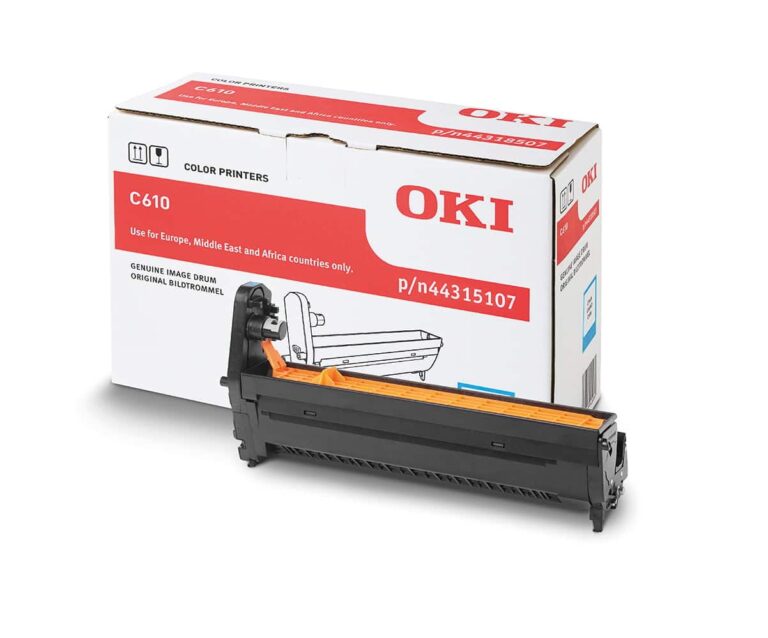
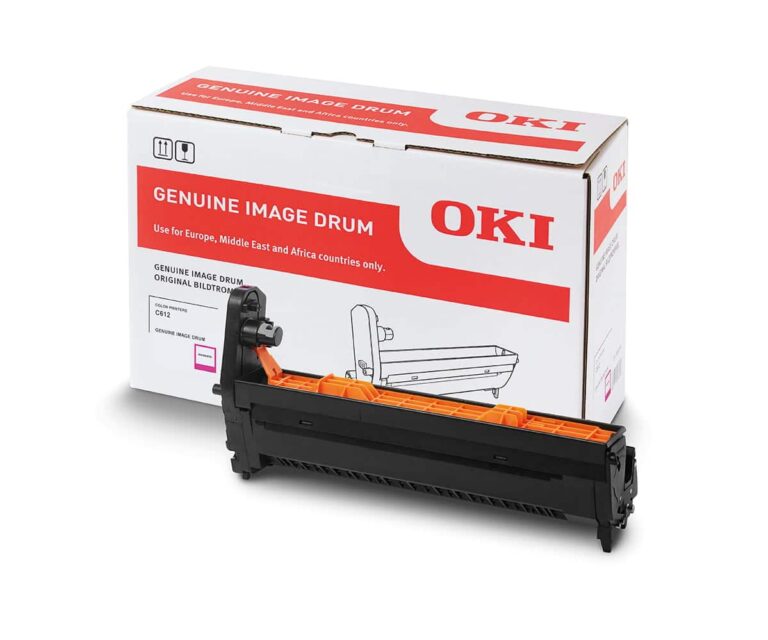
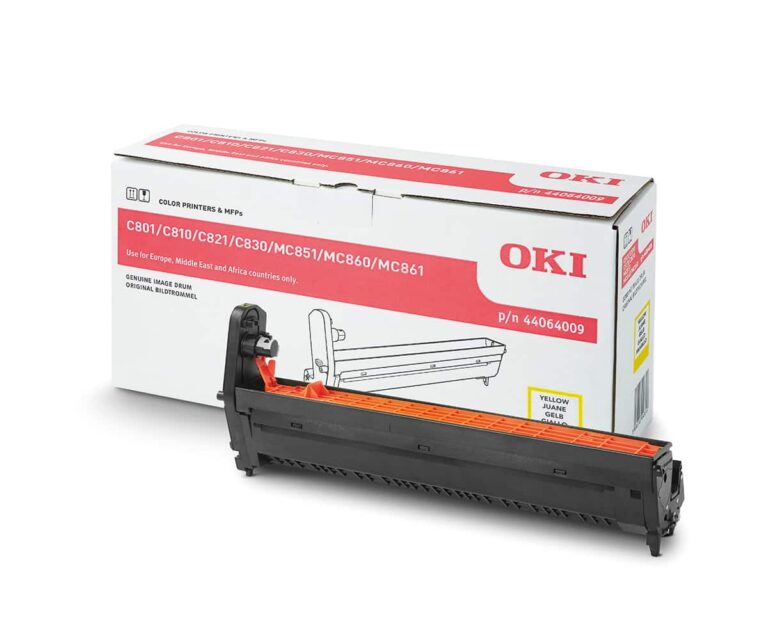
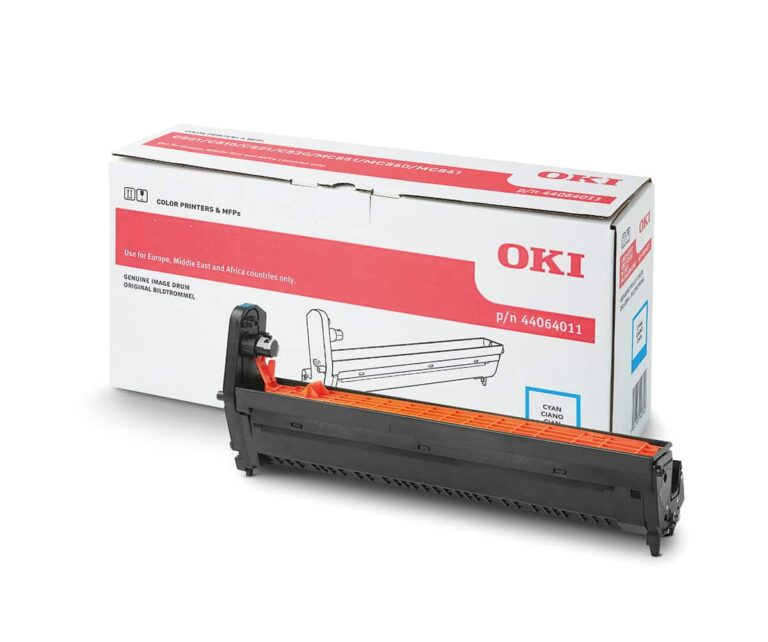
An Image Drum is a light-sensitive, cylindrical component used in LED and laser printers to facilitate the transfer of toner onto a substrate. It acts as a temporary “template” for the digital image. Using the principle of xerography, the drum’s surface is electrostatically charged and then selectively discharged by a light source (LED or Laser) to create an invisible electrostatic image that attracts toner particles.
Read more
Why It Matters: Impact and Use
In professional transfer printing, the image drum is the primary factor in determining image sharpness and color consistency. Maintaining healthy drums is essential for demonstrating E-E-A-T (Expertise, Authoritativeness, and Trustworthiness) in your output, as drum degradation is the leading cause of print artifacts.
- Lifespan and Maintenance: Unlike toner cartridges, drums have a longer but finite lifespan (measured in “page yields”). In a transfer environment, where heavy toner coverage is common, monitoring drum health via the printer’s utility software is vital to avoid unexpected downtime.
- Electrostatic Precision: The drum must hold a precise uniform charge. If the surface is scratched or contaminated with dust, it will create repeating spots, lines, or “ghosting” on your transfer paper, which can ruin expensive media.
- Four-Color Alignment (CMYK): In high-end LED printers, each color (Cyan, Magenta, Yellow, and Black) has its own dedicated imaging drum. These must work in perfect synchronization; if one drum is worn out, the entire color balance of the transfer will be off.
- Toner Transfer Efficiency: The drum is responsible for “handing off” the toner to the paper or an intermediate transfer belt. If the drum’s surface loses its light sensitivity (often due to light fatigue or age), the image will appear faded or washed out.
All clamshell Heat Presses
Key Maintenance and Handling
| Factor | Risk | Prevention |
| Light Sensitivity | Exposure to ambient light can “burn” the drum, causing dark streaks. | Keep drums inside the printer or in dark bags; never leave them on a desk. |
| Physical Surface | Scratches from paper jams or jewelry. | Use only approved media and clear jams gently without using sharp tools. |
| Dust & Debris | Small particles can cause “pinholes” in the print. | Maintain a clean, dust-controlled environmental factor in the print room. |
Frequently Asked Questions
What is the difference between a toner cartridge and an image drum?
The toner cartridge is the container that holds the ‘ink’ (powder), while the image drum is the part that actually paints the image using static electricity. In some printers, they are a single unit, but in professional LED printers, they are separate components so you can replace them at different intervals.
How do I know when my image drum needs replacing?
Signs include repeating marks at regular intervals (usually every 2-3 inches), vertical lines running down the page, or a ‘background haze’ where the paper looks gray instead of white. Most printers will also provide a ‘Replace Drum’ warning based on page count.
Can I clean an image drum?
Cleaning should be a last resort. You can gently wipe the surface with a dry, lint-free microfiber cloth or use a specialized drum cleaning cycle if your printer supports it. Never use alcohol or chemicals, as these will strip the light-sensitive coating.
 4.7
4.7




