
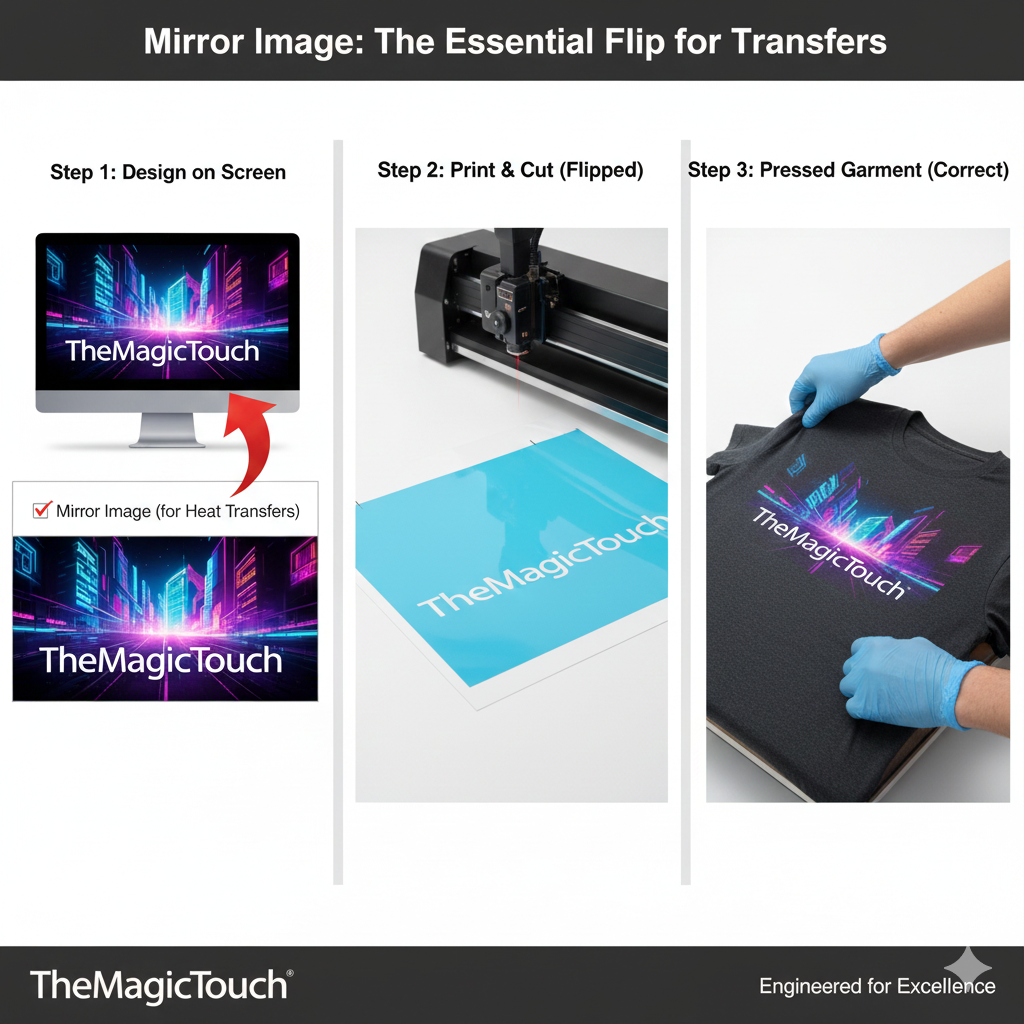
Mirror Image (also referred to as “Reverse” or “Unreadable”) is the process of horizontally flipping a design across its vertical axis before printing or cutting. In the transfer industry, this is a standard requirement for materials that are applied with the design-side facing down onto the substrate, such as Heat Transfer Vinyl (HTV), Sublimation, and certain Laser Transfer papers.
Read more
Why It Matters: Impact and Use
Forcing yourself to remember to “Mirror” is the most common hurdle for beginners, but mastering it is a fundamental technical requirement for professional-grade output in garment decoration.
- Software Automation: Modern design software like TheMagicTouch Software Basic or Pro includes an automated “Mirror” checkbox in the print/cut dialogue to prevent manual errors and save on wasted material costs.
- Correct Orientation After Application: Because transfer media is typically supplied on a clear carrier, you are cutting or printing on the “back” of the material (the adhesive side). When you flip the transfer over to place it on the garment, the design rotates. Mirroring ensures that text and logos are readable from left to right once the transfer is pressed.
- Text and Logos: For any design containing text or asymmetrical logos, failing to mirror will result in a “backwards” print that renders the product unusable.
- Process Specificity: * HTV (Flex/Flock): You almost always cut the adhesive side, so mirroring is mandatory.
- Sublimation: You print on paper and flip it onto the product; mirroring is mandatory.
- Direct to Film (DTF): The software usually handles mirroring automatically to ensure the white ink layer is printed correctly on top of the CMYK.
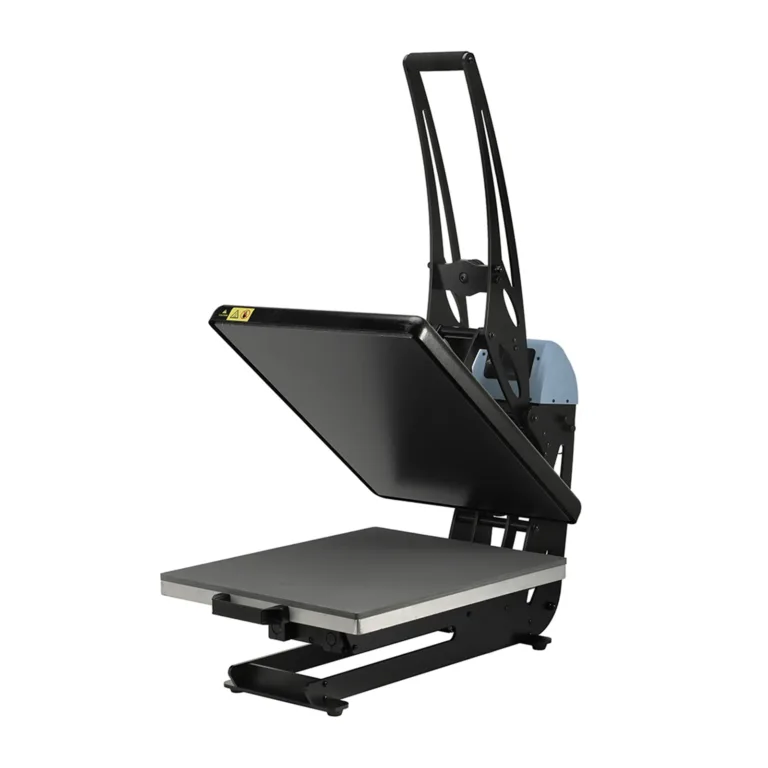
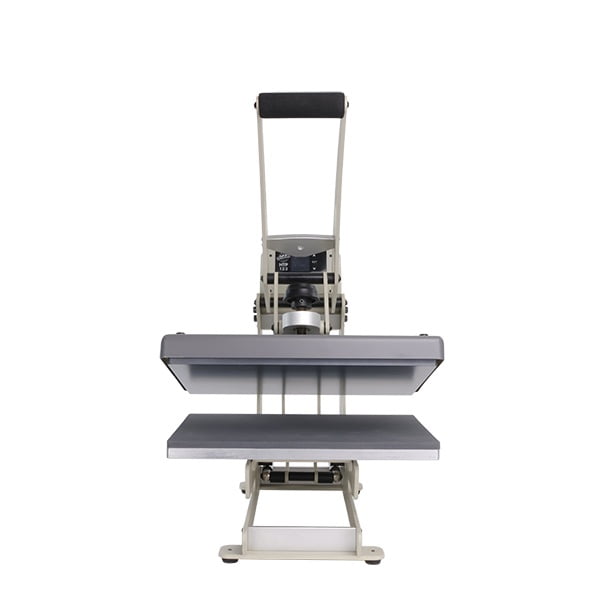
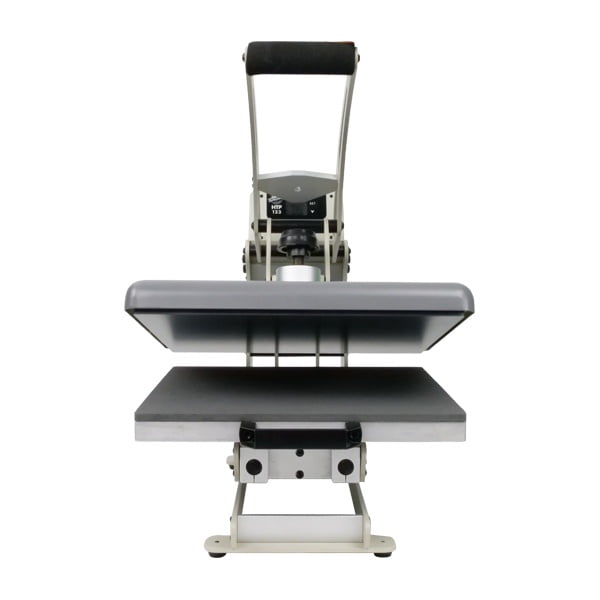
All clamshell Heat Presses
Mirroring Requirement by Technology
| Process | Must Mirror? | Reason |
| Heat Transfer Vinyl (HTV) | Yes | You cut through the adhesive side, not the carrier. |
| Sublimation | Yes | The paper is placed face-down on the substrate. |
| Toner Transfer Paper | Depending on Application | Placed face-down for the adhesive to bond. |
| Direct to Garment (DTG) | No | Printed directly onto the right-side-up fabric. |
Frequently Asked Questions
What happens if I forget to mirror my HTV design?
If you forget to mirror, the design will appear correctly on the carrier, but once you flip it over to press it onto the garment, the text and image will be backwards. Unfortunately, the material cannot be ‘fixed’ and must be recut.
Do I need to mirror designs for coffee mugs?
Yes. Since sublimation for mugs involves wrapping the printed paper face-down against the ceramic surface, the image must be mirrored to appear correctly to the viewer.
How do I mirror an image in my software?
In most graphic programs like Adobe Illustrator or CorelDRAW, you can use the ‘Reflect’ or ‘Mirror’ tool. In specialized cutting software like Graphtec Studio 2 or Silhouette Studio, there is usually a ‘Mirror’ checkbox in the final ‘Send to Cutter’ window.
 4.7
4.7




