
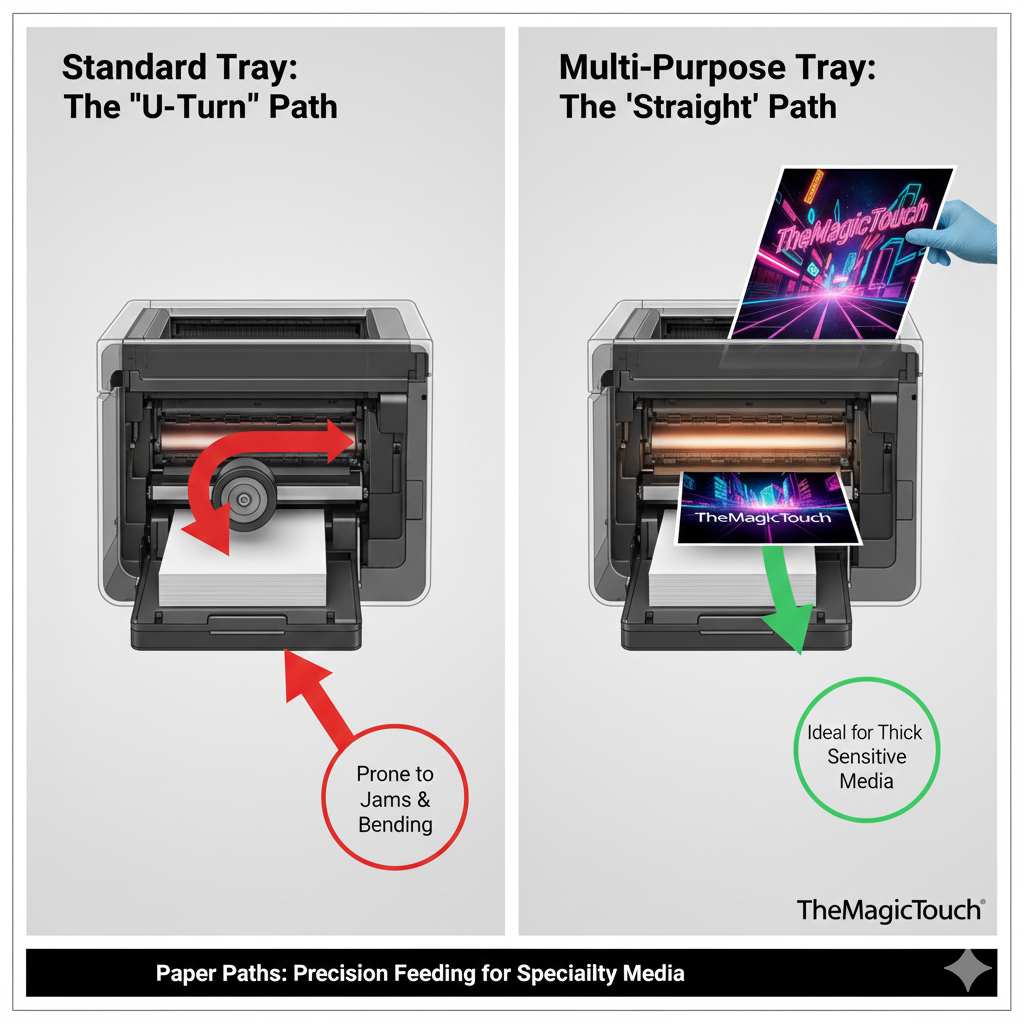
The Multi-Purpose Tray (MPT), often referred to as the Bypass Tray or Manual Feed, is a secondary paper input source on LED and Laser printers. Unlike standard internal paper cassettes, the MPT is designed with a “straight-through” or simplified paper path to accommodate specialty media that is thicker, heavier, or more heat-sensitive than standard office paper.
Read more
Why It Matters: Impact and Use
In the world of professional transfer printing, the Multi-Purpose Tray is the most critical component of the printer. Using it correctly is a primary technical requirement, as it prevents costly hardware damage and ensures high-quality output for technical media.
Manual Control: Because the MPT is a manual feed, it allows the operator to print a single sheet at a time. This is essential for high-value transfer papers where precise alignment and individual sheet inspection are required to maintain a high CTR (Click-Through Rate) on production efficiency.
Straight Paper Path: Standard trays often pull paper through a series of “U-turns.” Specialty media, such as TheMagicTouch Transfer Paper, can be rigid or have adhesive layers that might peel or jam if bent. The MPT allows the sheet to enter the printer with minimal bending, reducing the risk of jams.
Heavyweight Media Support: While standard trays are typically limited to 80–100 gsm paper, the Multi-Purpose Tray is engineered to handle Cardstock, Cardboard, and thick Labels up to 220 gsm or higher (depending on the printer model, like the OKI Pro series).
Prevention of Fuser Contamination: For media like CL*Media Sticker Paper, using the MPT ensures the sheet is fed accurately through the fuser unit. This is vital because specialty coatings must pass through the heat at a specific speed to prevent the adhesive from melting onto the internal rollers.
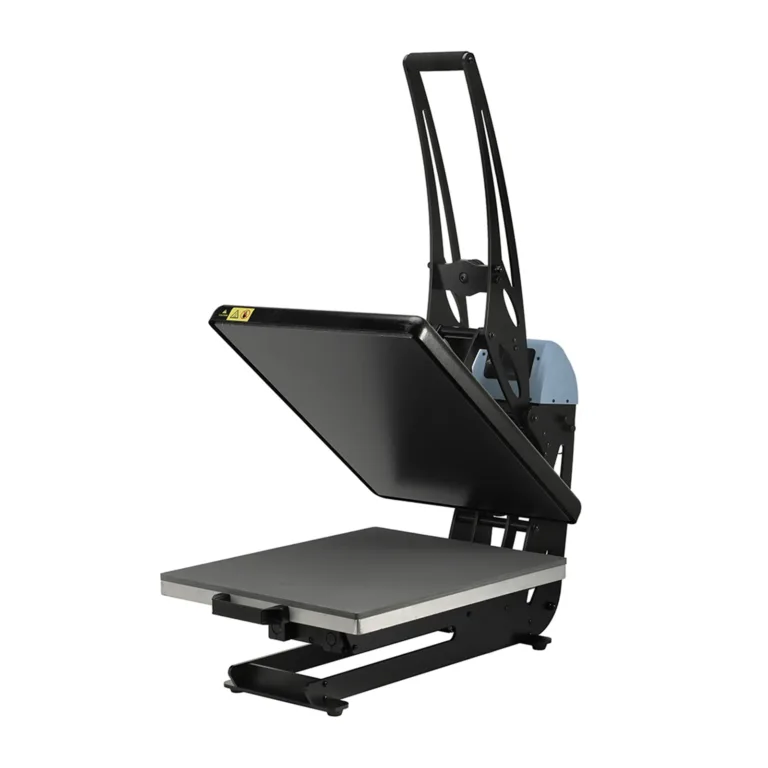
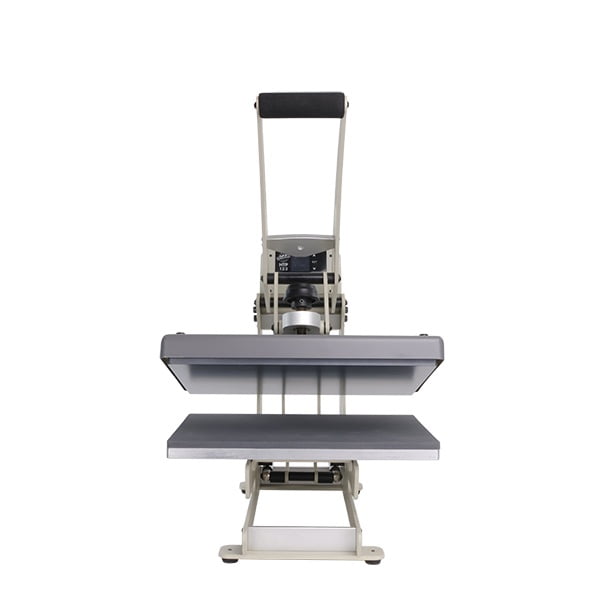
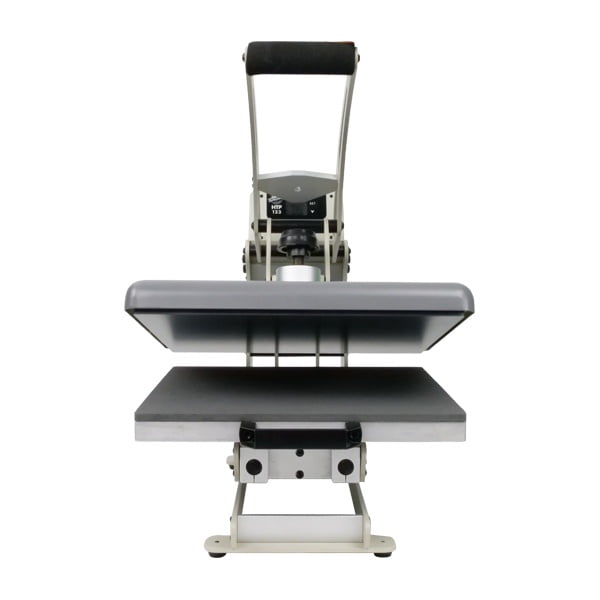
All clamshell Heat Presses
Common Media Used via Multi-Purpose Tray
| Media Type | Why Use the MPT? | Key Benefit |
| Transfer Paper | Heat-sensitive coating. | Prevents jams and “wrap-arounds” in the fuser. |
| CL*Media Stickers | Adhesive backing. | Minimizes heat exposure to prevent “oozing.” |
| Thick Cardstock | High rigidity. | Eliminates “curling” caused by standard paper paths. |
| Envelopes | Variable thickness. | Ensures even pressure during the printing process. |
Frequently Asked Questions
Why should I use the Multi-Purpose Tray for transfer paper?
Transfer paper is thicker and more heat-sensitive than standard paper. The Multi-Purpose Tray provides a straighter path through the printer, which prevents the paper from jamming or the coating from sticking to the internal fuser rollers.
Can I put multiple sheets in the Multi-Purpose Tray?
While many MPTs can hold up to 50-100 sheets, for specialty media like TheMagicTouch transfers, it is best practice to feed them one by one (manual feed) to ensure the printer correctly registers the weight and thickness of each sheet.
Do I need to change settings in the driver when using the MPT?
Yes. When using the Multi-Purpose Tray, you must select ‘Multi-Purpose Tray’ as the Source in your printer driver and set the correct ‘Media Weight’ (e.g., Ultra Heavy). Or, alternatively for TheMagicTouch transfer paper you can use TheMagicTouch Software Basic or Pro which does this automatically for you.
 4.7
4.7




