
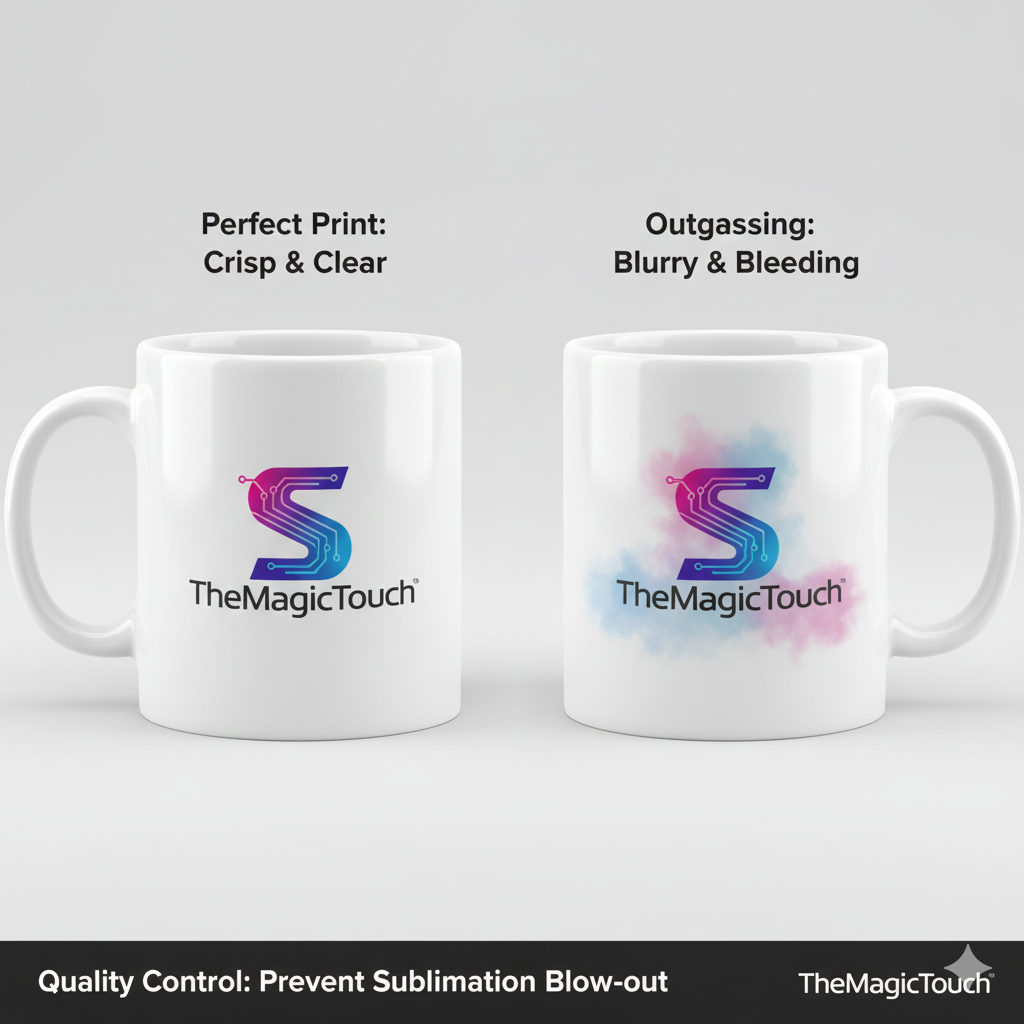
Outgassing, also known as a Blow-out, is a sublimation printing defect where dye-sublimation ink converts into a gas and escapes beyond the intended boundaries of the design. Instead of a crisp, sharp edge, the resulting image appears blurry,
Read more
Why It Matters: Impact and Use
In the high-precision world of product personalization, avoiding outgassing is a hallmark of E-E-A-T (Expertise, Authoritativeness, and Trustworthiness). A “blown-out” logo is often considered a factory second, leading to wasted inventory and decreased customer satisfaction.
- The “Ghosting” Connection: While similar to ghosting (which is caused by the paper shifting), outgassing happens while the paper is stationary, purely due to the physics of the gas movement under the heat platen. Image Integrity: Outgassing destroys the fine details in typography and high-contrast logos. This is particularly problematic for QR codes or small text where legibility is functional.
- Pressure and Heat Management: Outgassing is often the result of “trapped gas” finding the path of least resistance.
- Excessive Pressure: Can squeeze the gas outward along the surface of the item.
- Overheating: Causes the ink to gasify too aggressively, leading to a “cloud” effect.
- Sublimation Paper Quality: High-quality sublimation papers feature a specialized coating that holds the ink in place. Low-quality papers may release the gas too quickly or unevenly, contributing to the blow-out effect.
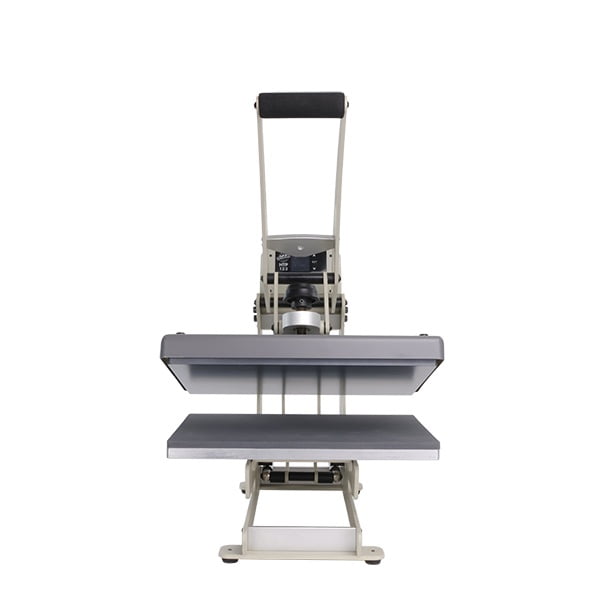
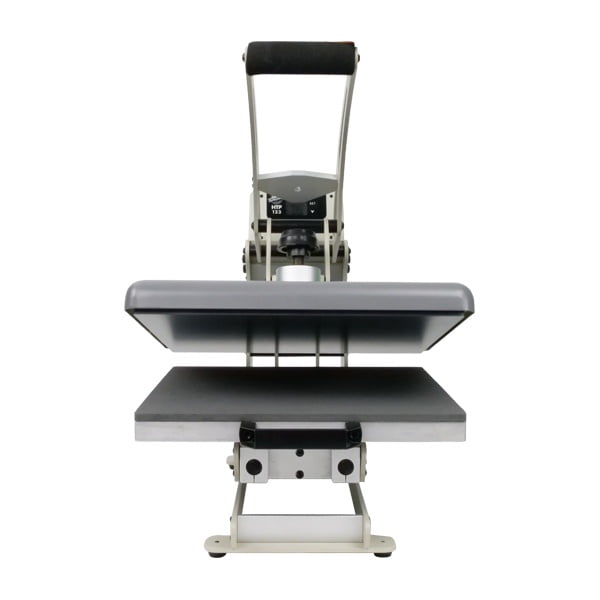
All clamshell Heat Presses

Troubleshooting Outgassing
| Cause | Effect | Solution |
| Too much pressure | Ink gas is forced sideways. | Reduce to Medium or Light pressure. |
| Excessive Heat | Dye “boils” and spreads. | Lower temperature by 5–10°C. |
| Moisture in Substrate | Steam carries ink outward. | Pre-press the item to remove moisture. |
| Low-Tack Paper | Paper lifts slightly during gassing. | Use heat-resistant tape or adhesive spray. |
Frequently Asked Questions
What is the difference between Outgassing and Ghosting?
Ghosting is caused by the physical movement of the paper while the ink is still hot, creating a double image. Outgassing (blow-out) occurs while the paper is still, caused by the gas spreading under the surface due to heat or pressure issues.
How do I stop my sublimation designs from looking blurry at the edges?
First, ensure your substrate is completely dry by pre-pressing it. Second, check your pressure; it should be firm enough for contact but not so heavy that it crushes the fibers. Finally, ensure you are using a high-quality, high-release sublimation paper.
Does the type of substrate affect outgassing?
Yes. Soft substrates like polyester fabric are more prone to outgassing because the fibers allow more room for gas to travel. Hard substrates like ceramic mugs are less prone but can still show blow-outs if the coating is too thick or the heat is too high.
 4.7
4.7




