
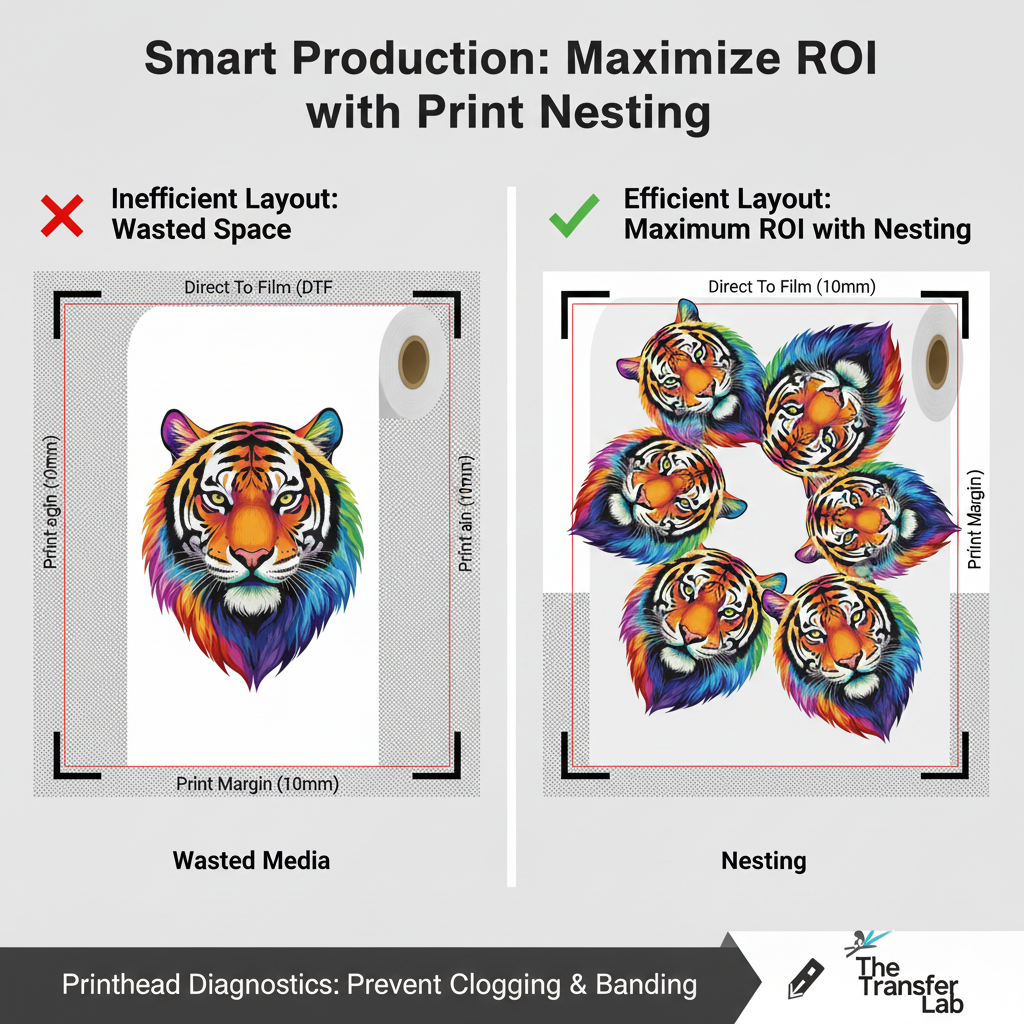
A Print Margin is the unprinted area between the edge of the physical media (paper, vinyl, or film) and the outer boundary of the printed content. In digital and transfer printing, this space is required by the hardware to allow for Media Feed mechanics, ensuring the printhead can move safely without striking the edges of the material or the metal rollers.
Read more
Why It Matters: Impact and Use
In the production of custom apparel and signage, understanding print margins is vital for accurate file preparation and minimizing material waste. Mastering these technical constraints is a direct reflection of E-E-A-T (Expertise, Authoritativeness, and Trustworthiness), preventing costly errors where designs are “cut off” by the printer’s hardware limits.
- Optimizing ROI: While margins are necessary, excessive margins lead to material waste. Skilled operators use Nesting techniques in their RIP software to arrange designs as close to the margins as possible without exceeding them, maximizing the yield of every roll of film or vinyl.
- Hardware Safety (Head Strikes): Printers have physical “dead zones” where the printhead cannot reach. If a design is placed outside the allowed print margin, the printer may stop, or worse, the printhead could strike the edge of the media, causing permanent damage to the Nozzle Plate.
- Media Handling: Most printers use Pressure Rollers (Pinch Rollers) to move the media. The margins ensure that the ink is not deposited onto these rollers, which would cause smudging on subsequent prints and require extensive cleaning.
- Registration and Cutting: For Print & Cut workflows, wide margins are often necessary to accommodate Registration Marks. If the margins are too small, the optical sensor on the cutting plotter may not have enough “white space” to accurately read the marks, leading to misalignment.
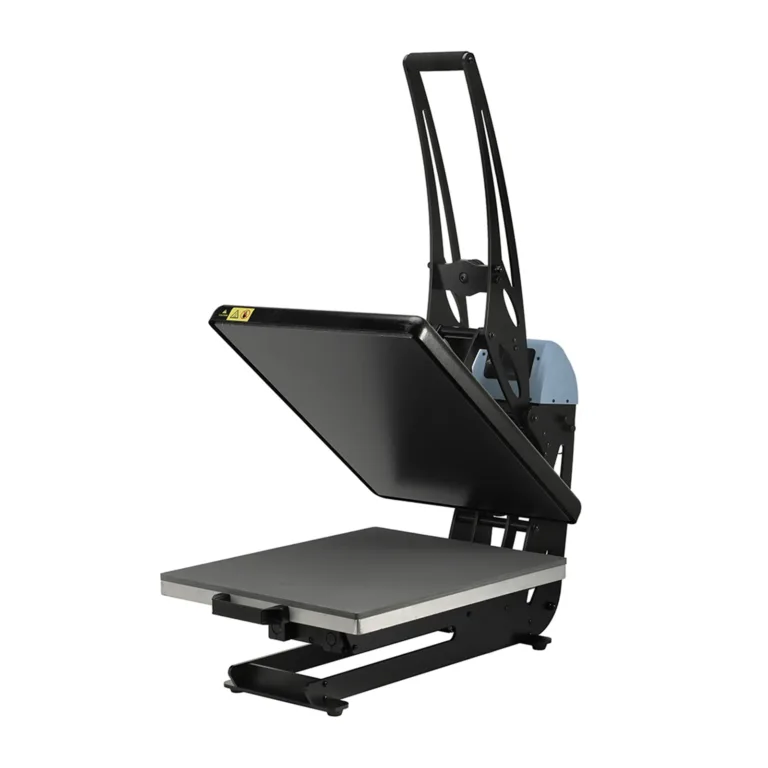
All clamshell Heat Presses
Standard Margin Requirements by Process
| Printing Process | Typical Margin | Why it’s needed |
| Desktop Sublimation | 3mm – 5mm | Standard paper feed path. |
| Wide-Format Vinyl | 10mm – 15mm | Side-clamping and roller tracking. |
| Direct To Film (DTF) | 5mm – 10mm | Film stability and vacuum suction area. |
| Print & Cut (Plotter) | 15mm – 25mm | Space for the optical sensor to read marks. |
Frequently Asked Questions
Can I print ‘borderless’ on transfer paper?
Most industrial and transfer printers do not support true borderless printing because the ink could contaminate the rollers or the vacuum bed. It is always best to leave at least a 5mm margin and trim the excess after printing.
What is the difference between a margin and a bleed?
A margin is the empty space at the edge of the page. A ‘bleed’ is when the design extends past the intended cut line to ensure that no white edges appear if the cutting plotter shifts slightly during the Print & Cut process.
Why does my printer scale down my design automatically?
If your artwork is exactly the size of your media (e.g., A4), the printer will often ‘scale to fit’ to account for its required print margins. To prevent this, always ensure your artboard is smaller than the physical media size by the width of the required margins.
 4.7
4.7




