
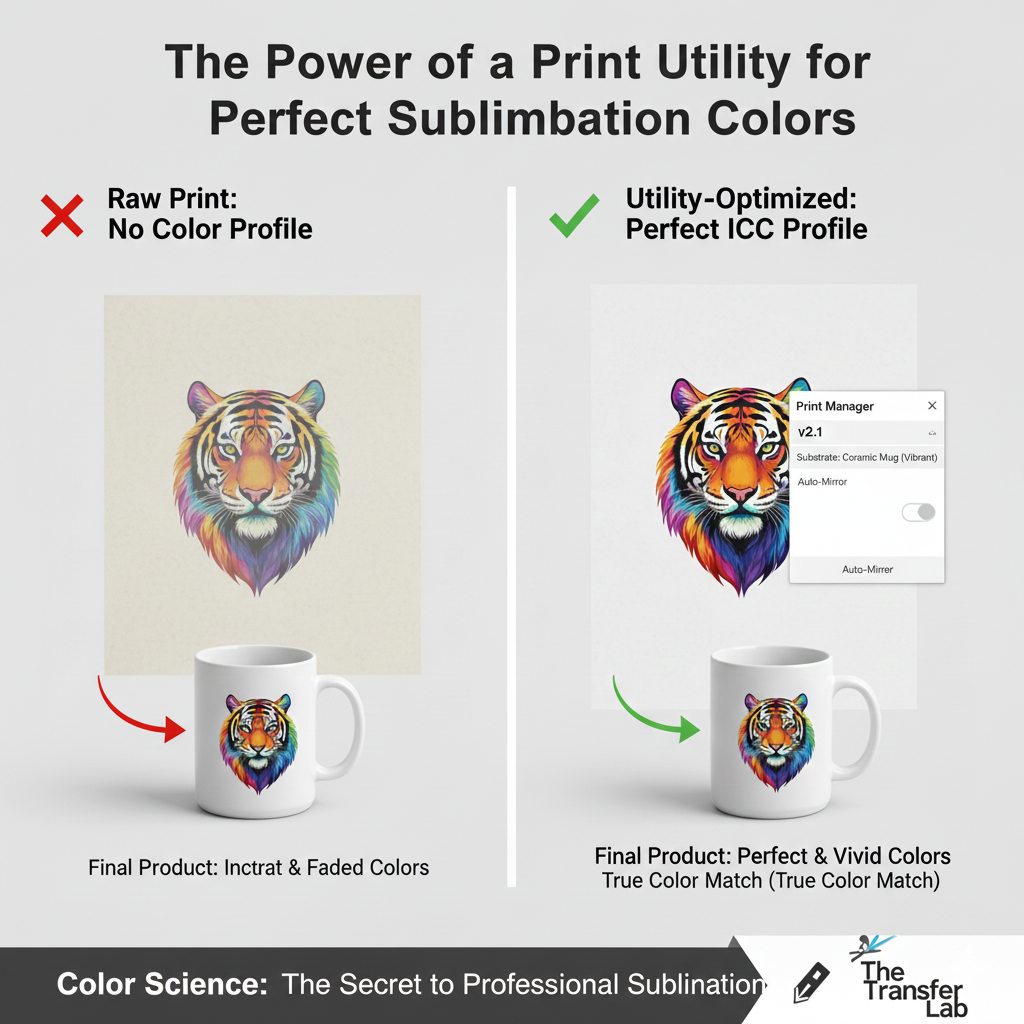
A Print Utility is a specialized color management software interface designed to act as a bridge between your design software (like Photoshop or CorelDRAW) and a sublimation printer. Often referred by the Sawgrass Print Utility, its primary function is to translate digital screen colors into accurate “transfer colors” by applying specific ICC Color Profiles tailored to the combination of ink, paper, and substrate being used.
Read more
Why It Matters: Impact and Use
In the sublimation industry, a Print Utility is the difference between a “good guess” and a “perfect match.” Because sublimation ink looks dull on paper and only achieves its true vibrance after being gassed into a substrate, this software is a cornerstone in professional production.
- Ink Economy & Maintenance: High-end utilities optimize the placement of ink droplets to prevent “pooling” on the paper while ensuring enough pigment is present for a vivid transfer, effectively lowering your cost-per-print.
- Color Conversion (The “Magic” Step): Sublimation is a chemical process where colors shift dramatically under heat. A Print Utility automatically adjusts the ink output levels to compensate for these shifts. Without it, a vibrant red on your screen might turn out as a muddy orange on your final product.
- Substrate-Specific Optimization: The software allows you to select your “Blank” (e.g., Ceramic Mug, Polyester T-shirt, or Metal Plate). Each material absorbs heat and gas differently; the utility adjusts the ink density to ensure the highest possible CTR (Color Transfer Rate) for that specific material.
- Automatic Image Mirroring: One of the most common mistakes in sublimation is forgetting to mirror the image before printing. Most Print Utilities have an “Auto-Mirror” toggle, ensuring your text and designs face the correct way once flipped onto the substrate.
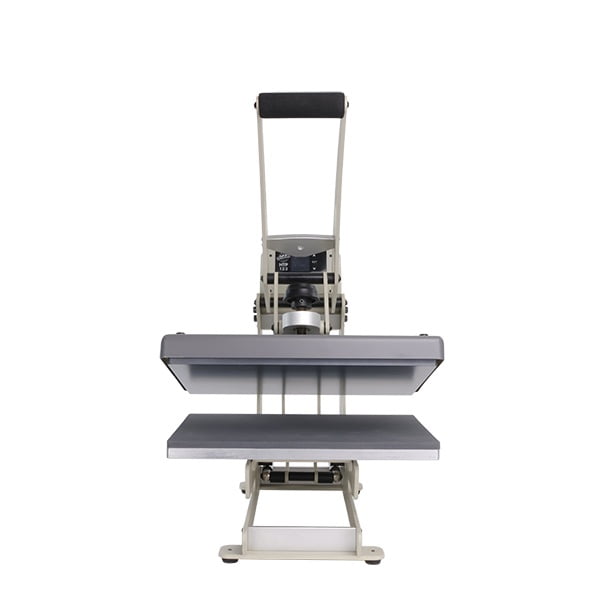
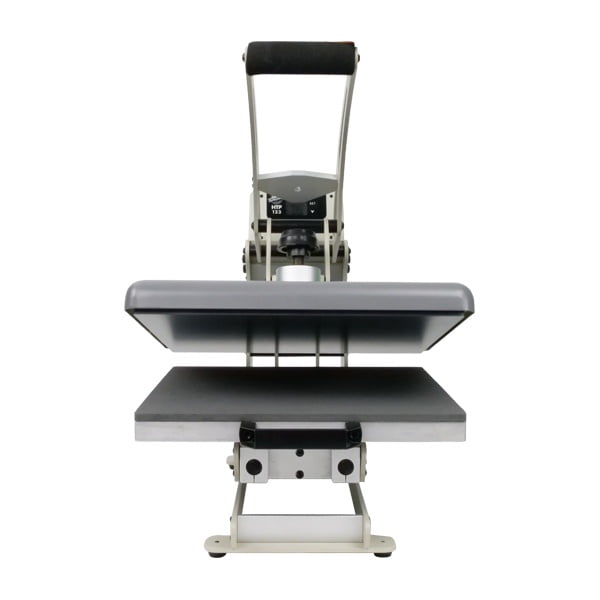
All clamshell Heat Presses

Comparison: Standard Print Driver vs. Print Utility
| Feature | Standard Windows/Mac Driver | Professional Print Utility |
| Color Handling | Generic RGB/CMYK conversion. | Substrate-specific ICC Profiles. |
| Mirroring | Manual (must remember in design). | Automatic (set-and-forget). |
| Ink Control | Basic quality settings. | Advanced “Inking” limits to prevent bleeding. |
| Visual Accuracy | “What you see is NOT what you get.” | Predictable, repeatable color results. |
Frequently Asked Questions
Why do colors look different on my sublimation paper than on my screen?
Sublimation ink is designed to reach its final color only after it has been heated and bonded with polyester. The Print Utility manages this ‘hidden’ color data. If you judge the color based on the paper, it will always look duller and less accurate than the final pressed product.
Do I need a separate Print Utility for every substrate?
No, a single Print Utility like Sawgrass Print Utility usually contains a library of profiles. You simply select the substrate you are printing on (e.g., Wood, Metal, Textile) within the software before hitting print.
Can I use a Print Utility with any printer?
Most Print Utilities are proprietary to specific printer brands (like Sawgrass or Epson). They are tuned specifically to the ink and printhead technology of that hardware to ensure color consistency.
 4.7
4.7




