
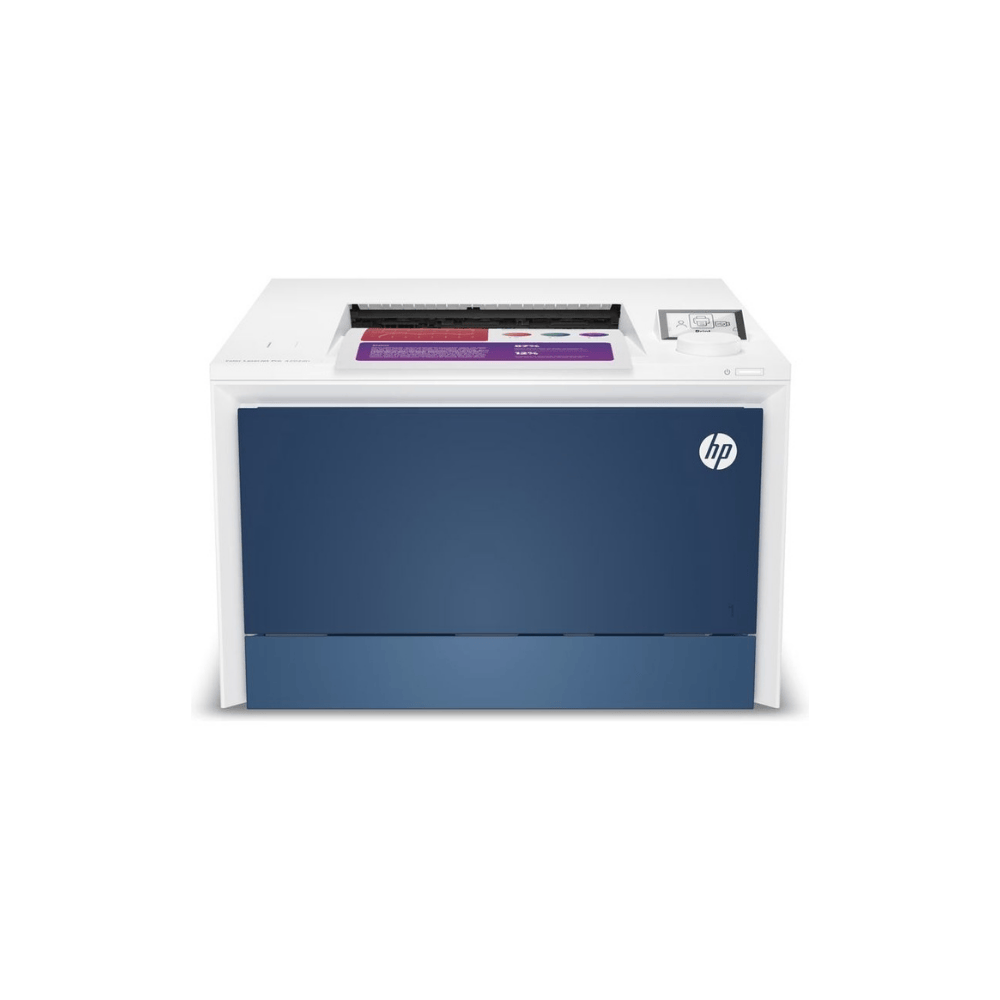
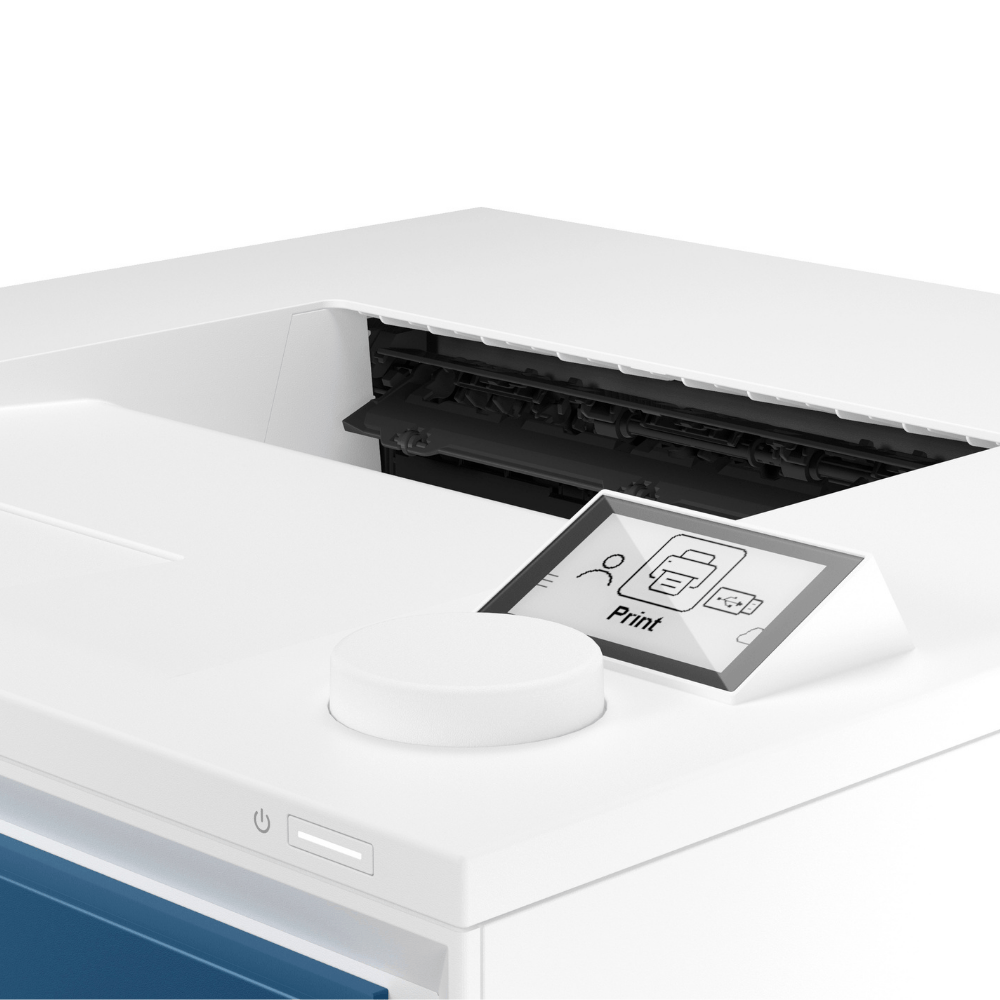
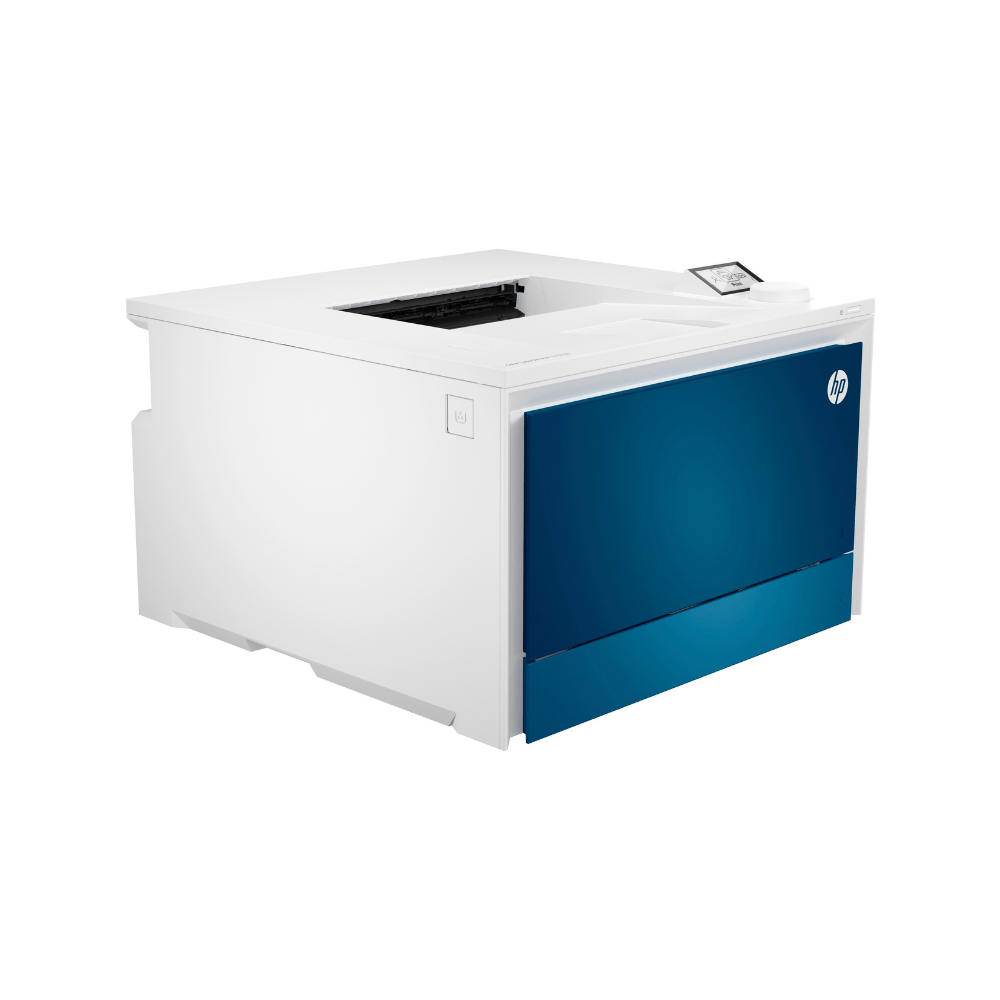
HP Color LaserJet Pro 4202dn printer

€299,00
You save
per piece
SKU: 150800
- Order by 4:00 PM for Next-Day Delivery*
- Pricing Agreements for Every Customer
- Flexible & Secure Payment Options
- Rated 4.7/5.0 for Friendly, Expert Service
- 35+ Years of Proven Industry Expertise
Description
The HP Color LaserJet Pro 4202dn is an entry-level color laser printer ideal for small to medium offices, handling daily printing. Its sharp print quality and speed make it suitable for both administrative tasks and creative projects. Add a heat press that is suitable for transfer paper to easily start personalizing items like T-shirts, mugs, bottles, wood, and candles, offering a versatile solution for business and creative use. The HP printer offers excellent value for money, provided the correct settings and printing instructions for startup are followed.
Key Features
- Fast Printing Speeds.
- High-Quality Output.
- Automatic Duplex Printing.
- User-Friendly Interface.
- Suitable for TheMagicTouch transferpapers
- Suitable for TheMagicTouch Stickers.
Creative applications
- White and colored T-shirts.
- Black and dark coloured T-Shirts.
- Hard surfaces.
- Wood & Cork.
- Decals.
- Temporary tattoos.
- Stickers.
Follow the instruction before you start
- Pre-heat the Fuser: Begin by turning on the printer and immediately printing five sheets of regular paper. These initial sheets require minimal toner—even a single letter or small mark is sufficient.
- Prevent Damage: This critical step ensures the fuser (heating unit) reaches the proper operating temperature gradually, preventing the printer from being overburdened from a cold start and avoiding irreversible damage.
- Thicker Media Use: Only after these five sheets have printed should you begin using transfer paper, stickers, or other thicker media.
- Crucial Reminder: Always use the correct printer settings for your specific media, which can be found in the Knowledge Base.
Specifications
| Weight | 25 kg |
|---|---|
| Dimensions | 50 × 45 × 45 cm |
| Maximaal printgebied | 212 x 352 mm |
| Printkwaliteit zwart (optimaal) | Tot 600 x 600 dpi; verbeterd tot 38400 x 600 dpi |
| Functies | |
| Intelligente printersoftwarefuncties | Automatisch dubbelzijdig, sorteren, watermerken, afdrukbare formulieren, stille modus, HP Premium printkwaliteit, geschikt voor tal van papierformaten en -soorten |
| Printvolume (per maand, A4) | Tot 50.000 pagina's |
| Bovenmarge (A4) | 4,23 mm |
| Printkwaliteit, kleur (presentatie) | Tot 600 x 600 dpi |
| Eerste pagina verschijnt, zwart (letter, gereed) | Zo snel als 9,1 seconden |
| Linkermarge (A4) | 4,23 mm |
| Printvolume (per maand, letter) | Tot 50.000 pagina's |
| Printresolutietechnologieën | HP ImageREt 2400 |
| Rechtermarge (A4) | 4,23 mm |
| Aanbevolen aantal pagina's per maand | 750 tot 4000 |
| Eerste pagina verschijnt, kleur (letter, gereed) | Zo snel als 10 sec |
| Ondermarge (A4) | 4,23 mm |
| Doelgroep en printvolume | Teams tot 10 gebruikers; Print tot 4000 pagina's per maand |
| Printsnelheid zwart (ISO, A4) | Tot 33 ppm |
| Model |
FAQ
1. What kind of printer is this?The HP Color LaserJet Pro 4202dn printer is a laser printer with CMYK cartridges.
The HP Color LaserJet Pro 4202dn printer is a laser printer with CMYK cartridges.
2. Do you need TheMagicTouch Software Basic for this?No, this printer comes with a standard printer driver with settings already set to use TheMagicTouch transfer media.
No, this printer comes with a standard printer driver with settings already set to use TheMagicTouch transfer media.
3. Which TheMagicTouch transfer media can I use?
- TheMagicTouch TTC 3.1 for printing white T-shirts, fabrics and blank products.
- TheMagicTouch OBM 5.6 for printing colored textiles and fabric T-shirts.
- TheMagicTouch RST 9.1 for printing wood and cork
- TheMagicTouch DCT 4.5C/W for printing candles, glass and ceramics.
- TheMagicTouch CPM 6.2 for printing mugs, bottles and hard surfaces, such as notebooks.
- TheMagicTouch Tattoo 2.1 for printing nails and skin.
- TheMagicTouch TTC 3.1 for printing white T-shirts, fabrics and blank products.
- TheMagicTouch OBM 5.6 for printing colored textiles and fabric T-shirts.
- TheMagicTouch RST 9.1 for printing wood and cork
- TheMagicTouch DCT 4.5C/W for printing candles, glass and ceramics.
- TheMagicTouch CPM 6.2 for printing mugs, bottles and hard surfaces, such as notebooks.
- TheMagicTouch Tattoo 2.1 for printing nails and skin.
4. Is damage to the fuser covered by the warranty?No, fusers are not covered under any printer warranty, and the proper operating guidelines must be followed
No, fusers are not covered under any printer warranty, and the proper operating guidelines must be followed
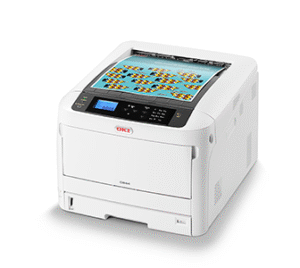
5. Which printer do you recommend?The use of an OKI printer with a replaceable fuser, special manual feed, and straight-through paper path is the most reliable choice, despite the slightly higher purchase price.
The use of an OKI printer with a replaceable fuser, special manual feed, and straight-through paper path is the most reliable choice, despite the slightly higher purchase price.
6. Why should I use a printer setting?The recommended printer setting applies the appropriate temperature and speed for each media type.
The recommended printer setting applies the appropriate temperature and speed for each media type.
You may also like…
-
 In stock
Training Transfer Paper
from €49,95
You save -
-10%
 In stock
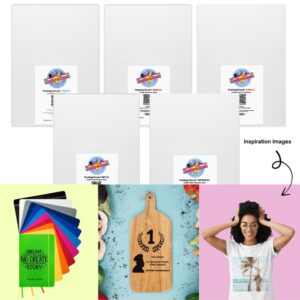
Starter Pack Transfer paper
Original price was: €130,70.€117,63Current price is: €117,63.
You save per set -
 In stock
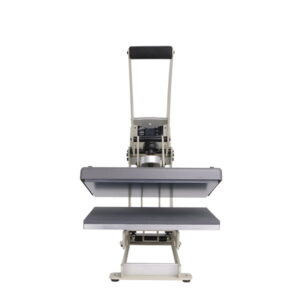
TheMagicTouch HTP123 Basic
€799,00
You save per piece -
 In stock
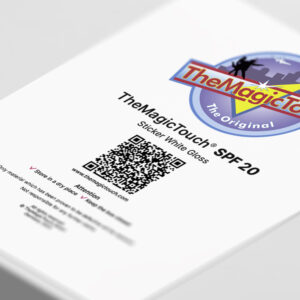
TheMagicTouch Sticker SPF 20 White Gloss
from €21,95
You save per box
Related products


With you every step of the way.
Your business is unique. We deliver tailored product portfolios and dynamic pricing, backed by world-class support to ensure your specific goals are met.

 4.7
4.7




