

Your basket is currently empty!
Transfer Paper Solutions
Let’s talk about the basics.
A standard laser printer can do so much more
CMYK solutions are often overlooked, because many people do not know how quick and easy it is to print on textiles and blank products with a standard laser printer using transfer paper. Did you know that you can also make a full-colour print on dark textiles with a standard laser printer, thanks to TheMagicTouch OBM 5.4 transfer, which already contains a white base? This means that you do not need a white toner printer. Exactly, there are many ways to personalise textiles and blank products with a printer that you probably already have at home.
With a standard colour laser or LED printer, transfer paper and a heat press, you can directly transfer full-colour images, photos, texts, logos or clip art onto textiles and blank products. This allows you to personalise promotional items or products completely in-house. By using a laser printer and our professional TheMagicTouch transfer papers, we ensure high-quality results. What you normally print on paper, you can print via TheMagicTouch transfer papers on various types of fabrics, such as cotton, polyester, silk, canvas, acrylic. Not only textiles, but also on aluminum, glass, ceramics, wood, candles, skin, nails, book covers, cardboard, sheet material and much more.
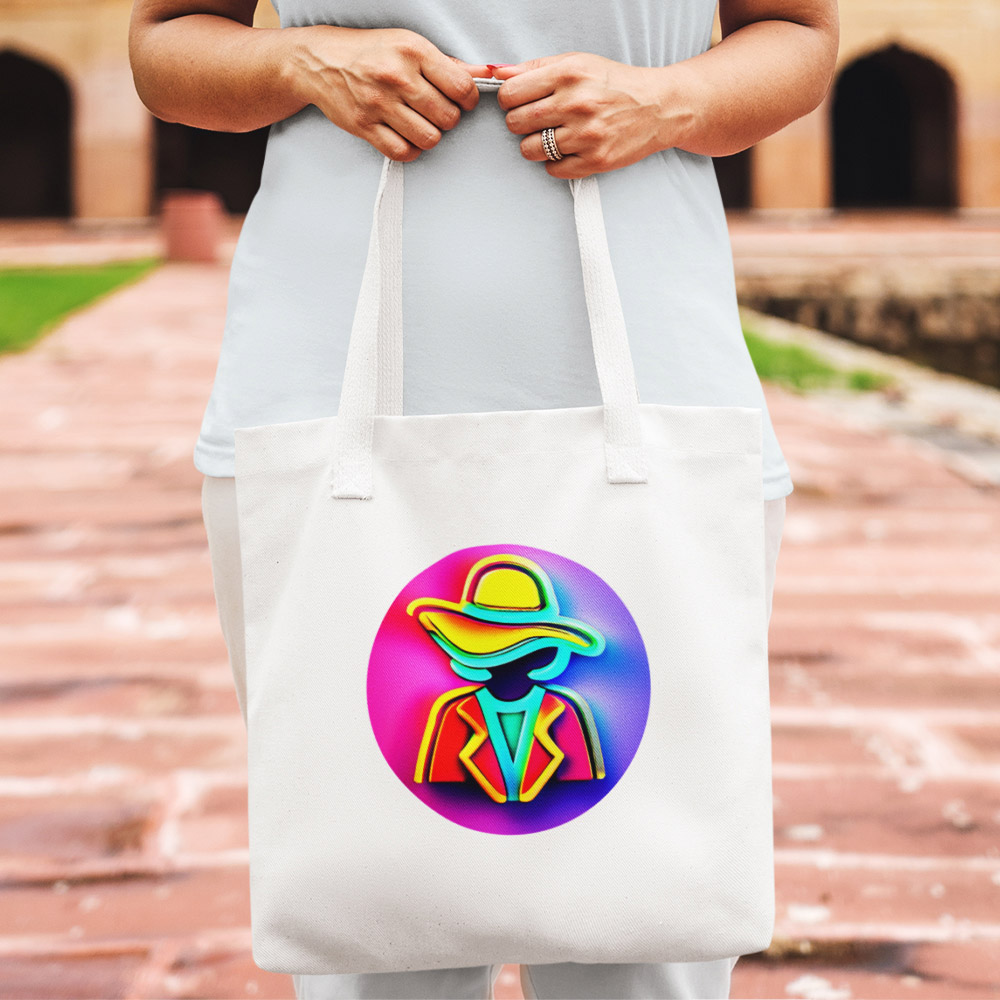
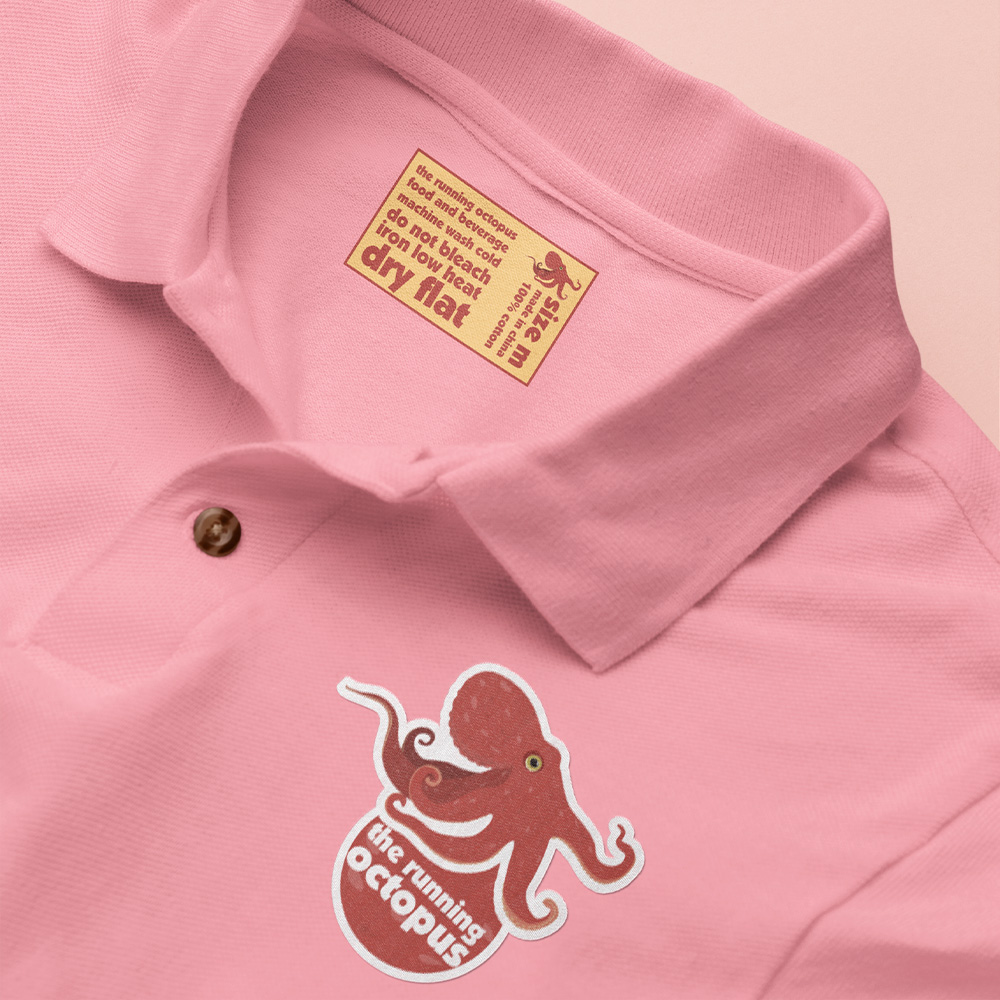
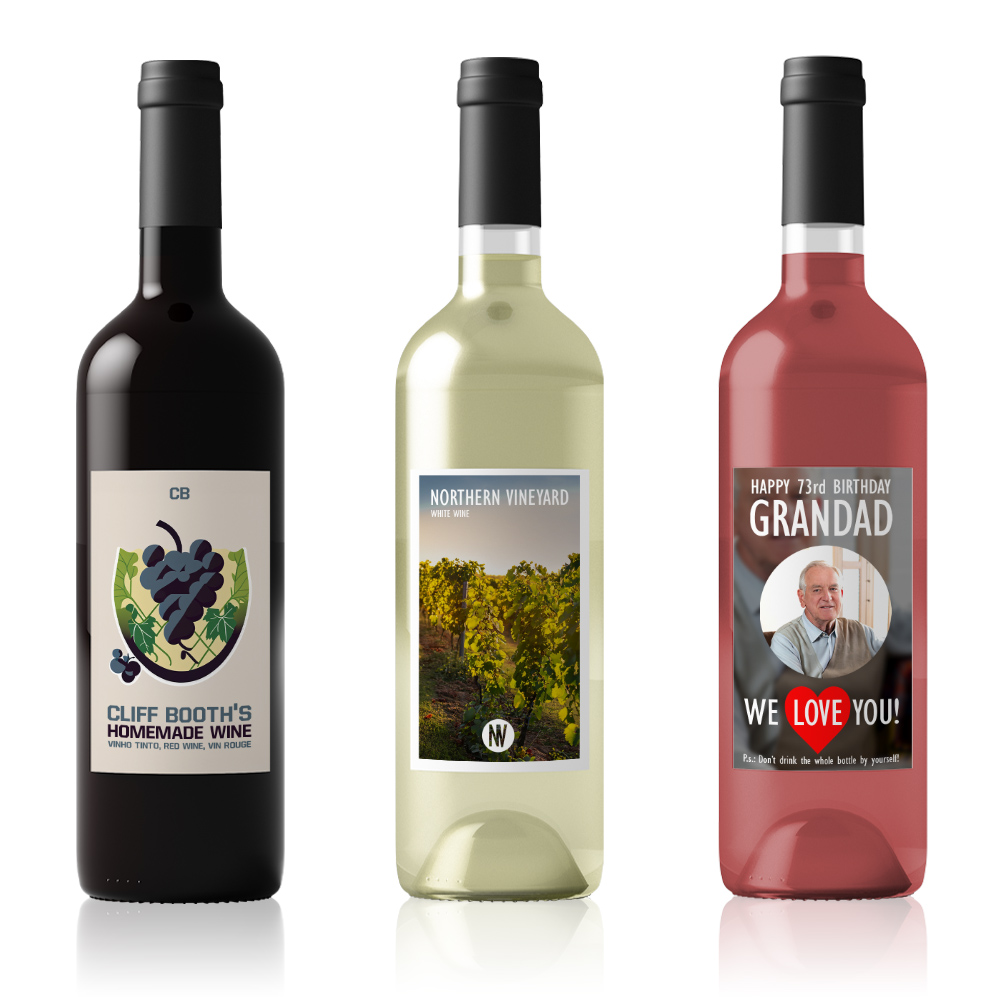

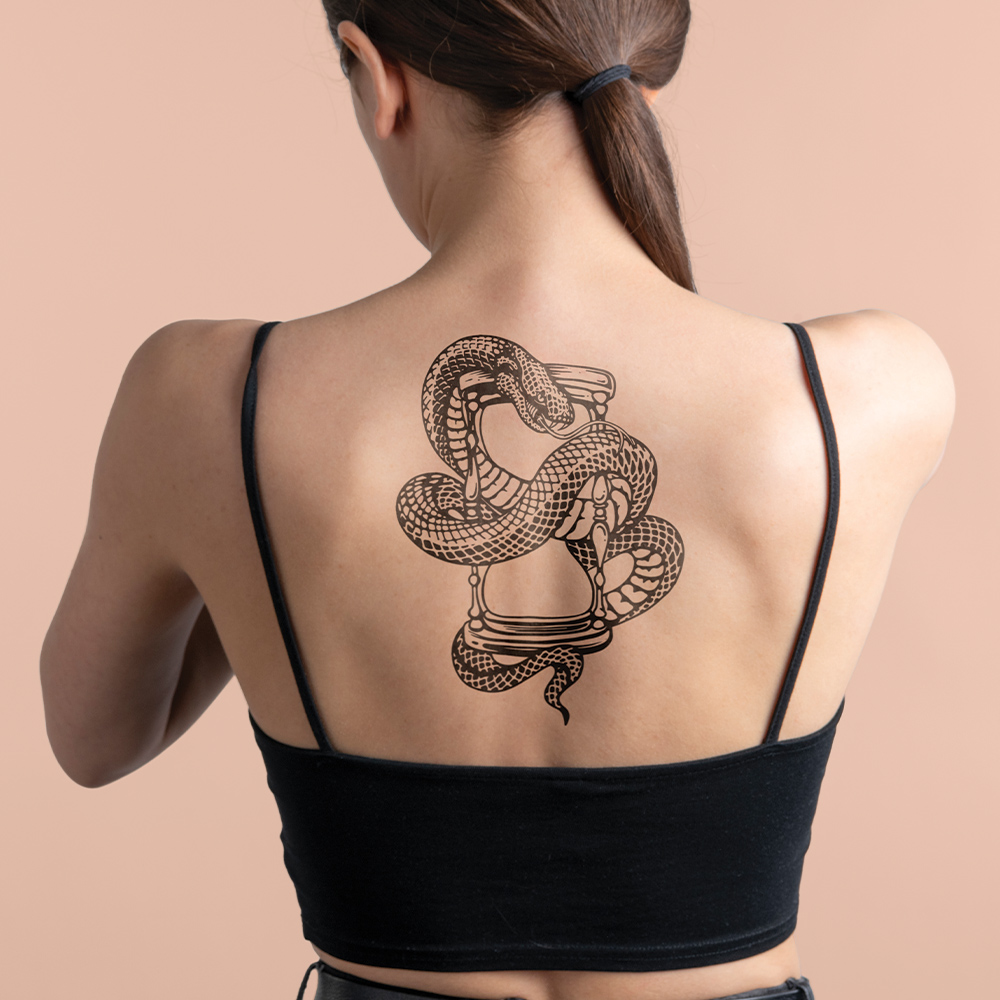
The advantages of a CMYK color laser or LED printer
A CMYK color printer uses four toner colors: cyan, magenta, yellow and black to create a wide range of colors by mixing these four basic colors. The background of the product to be printed must be white to obtain a high-quality print. For dark textiles, you can use transfer paper, such as TheMagicTouch OBM, which already has white incorporated into the transfer. This is often used for photos or designs that can be easily cut out.
- CMYK printers are 75% cheaper than White Toner printers!
- Transfer paper for CMYK printers is twice as cheap than White Toner Transfers.
- With CMYK printers you can use Print & Cut, using a cutting plotter.
- With a low investment, the possibility to print the most versatile products with high-quality results.
A white toner printer, on the other hand, contains white toner in addition to the standard CMYK toners. This allows printing in white, which is especially useful as a base when printing freestanding designs on a dark or transparent background.
Long-lasting solution
Using a laser printer for transfer paper offers several advantages:
- Quality: Laser printers produce sharp, clear prints, resulting in good transfer quality.
- Speed: Laser printers are generally faster than inkjet printers, allowing you to quickly produce large quantities of transfers.
- Durability: Laser prints are generally more durable than inkjet prints, extending the life of the transfer.
- Water resistance: Laser toner is more water-resistant than ink, making it less likely that the print will fade or smudge when exposed to water.
- Versatility: Laser printers can print on a wide variety of materials, including transfer paper, making them suitable for a variety of applications.
- No maintenance or expiration date.
TheMagicTouch transfer papers
We divide the transfers by type: textile transfers, toner transfers, waterslide decals transfers and temporary tattoo transfers. The coating and thickness of the transfer paper can vary per transfer paper to achieve a high-quality end result. A transfer press with the right pressure and the addition of certain accessories ensure that transfer to the end product goes smoothly.
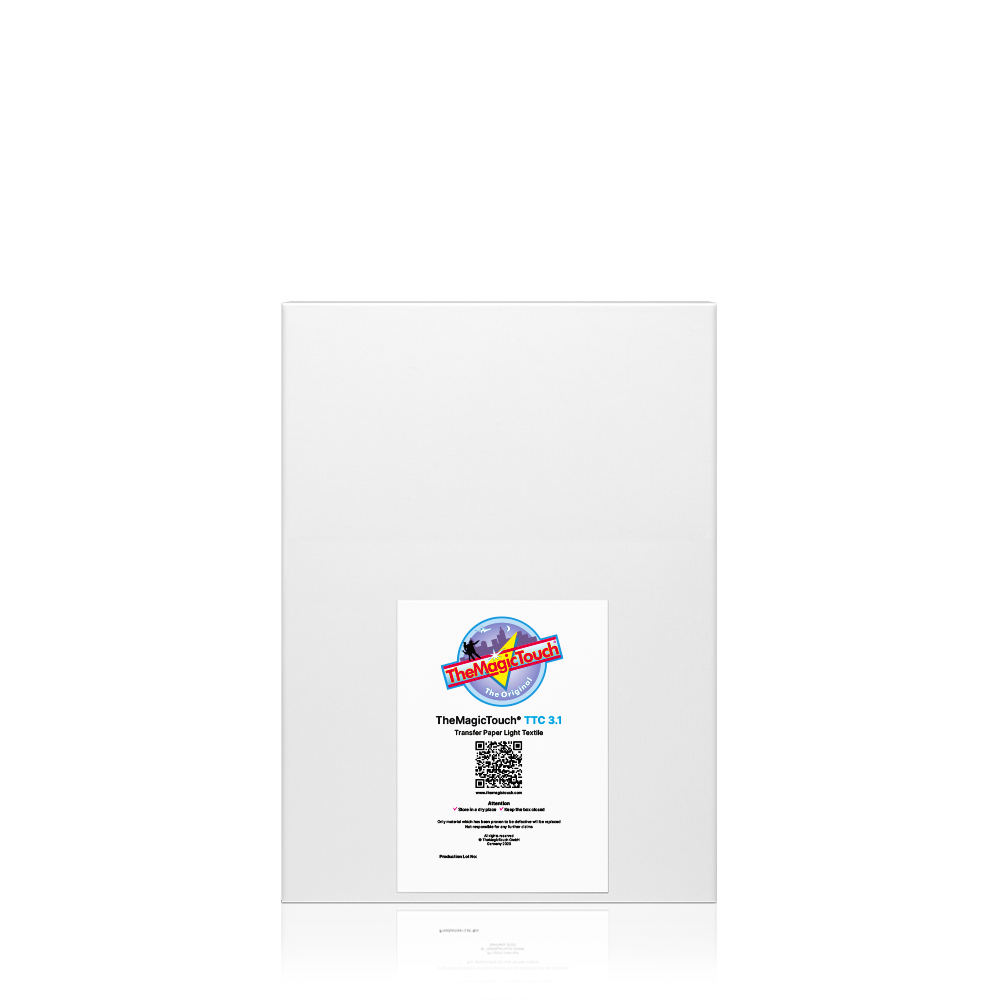
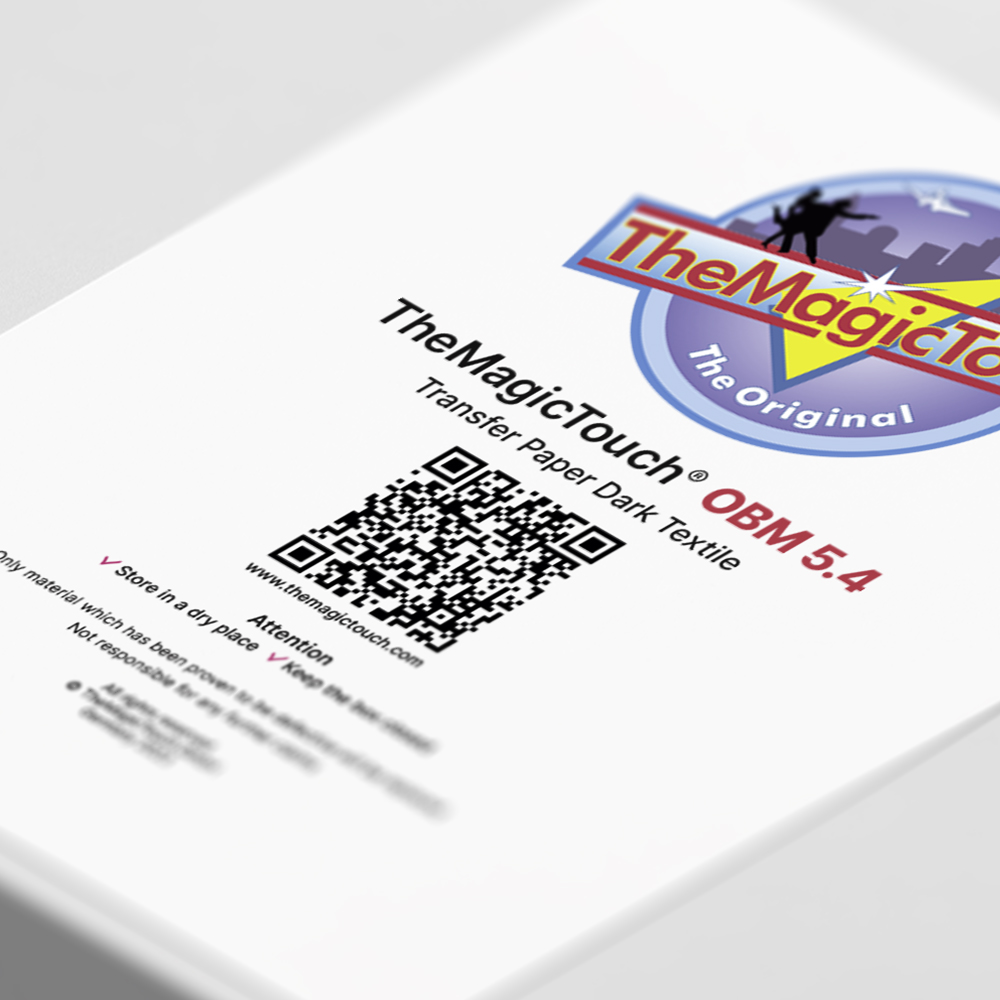
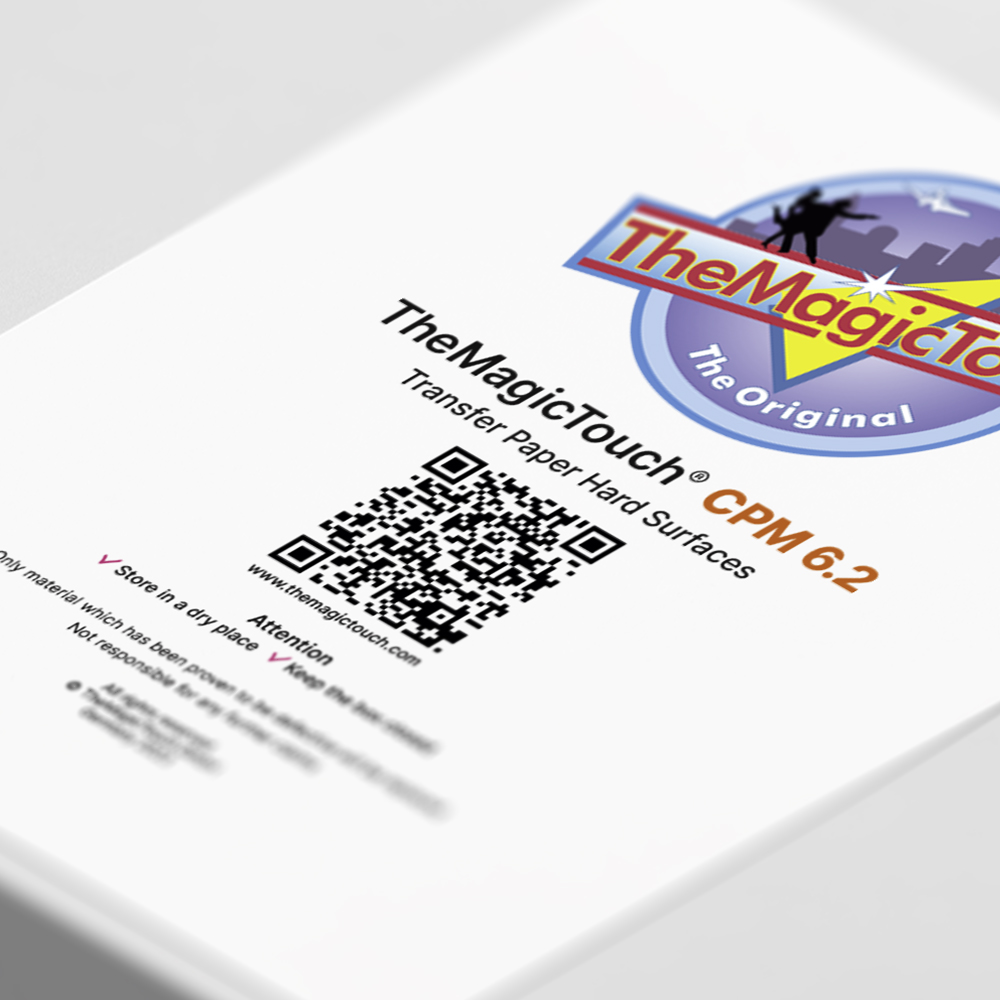
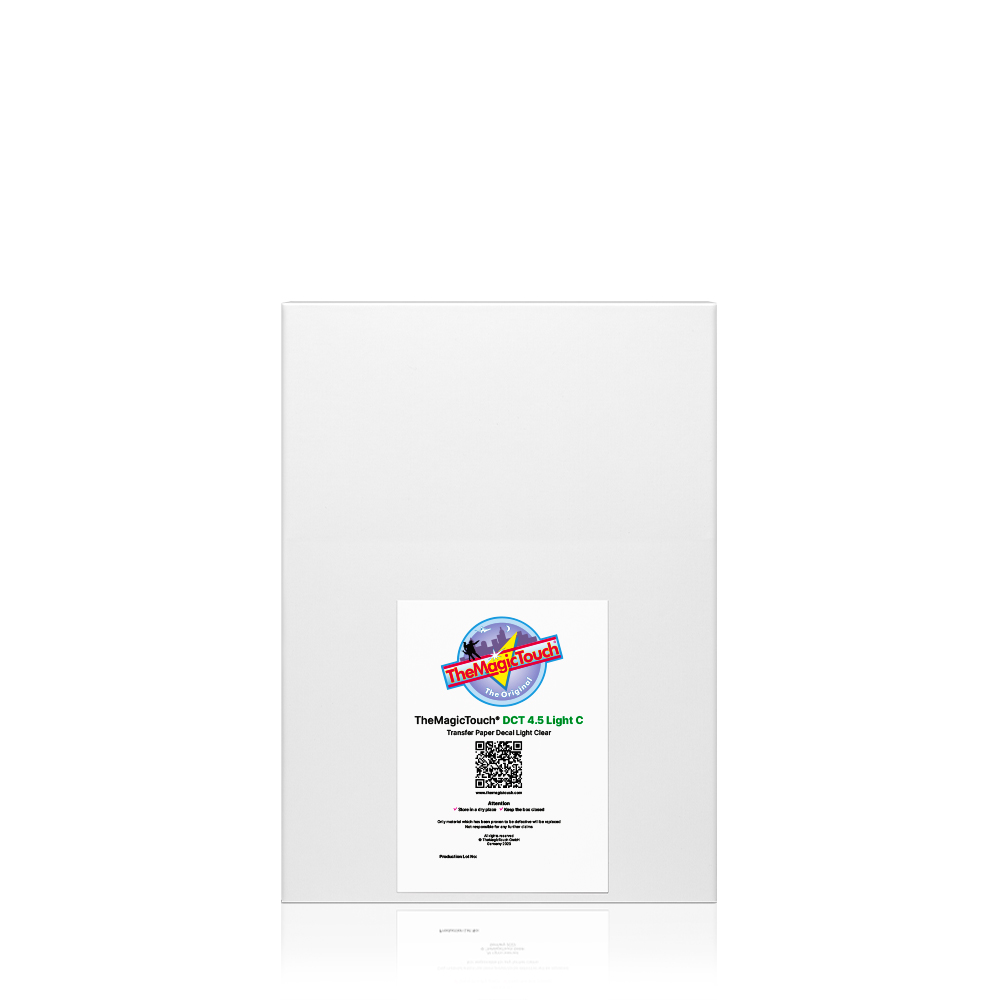
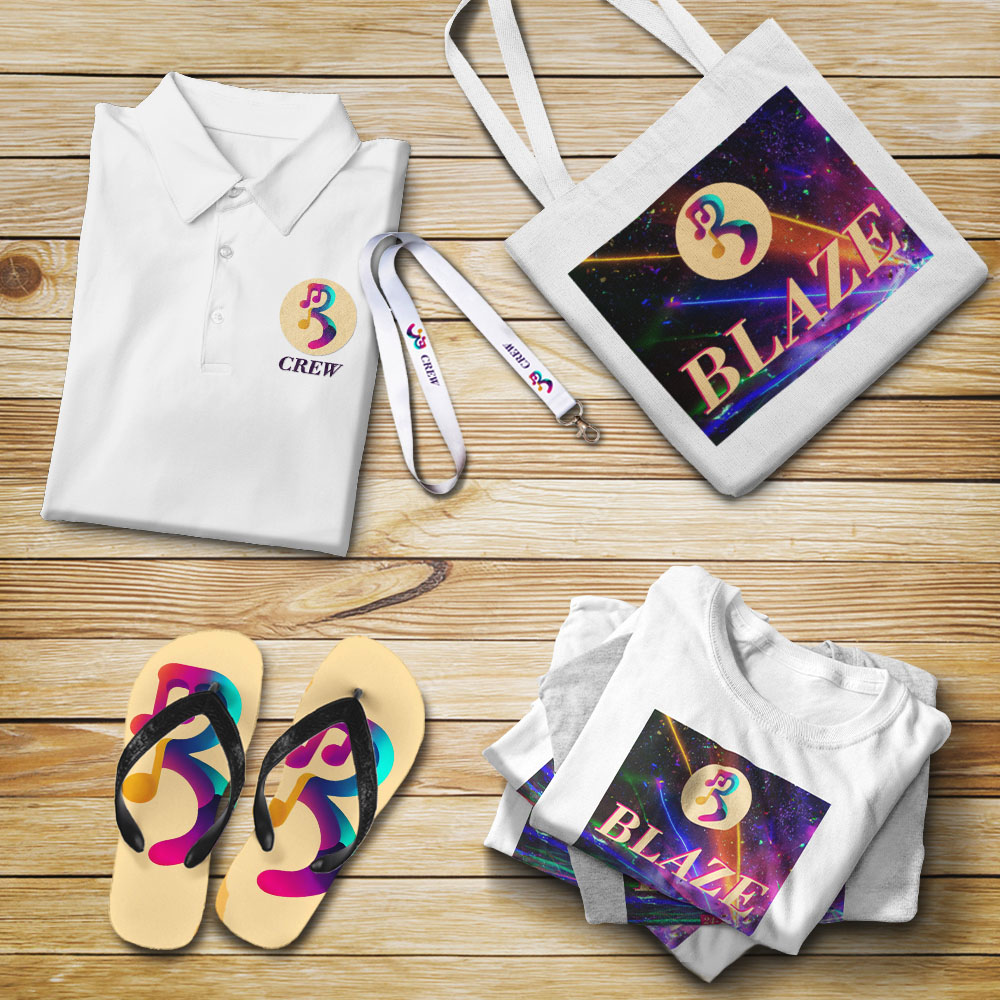
Choose a CMYK laser or LED printer when you..
1. Want to print smaller quantities
Use transfer paper for smaller quantities or personalized items.
2. Want to print a variety of different products
Quickly and easily apply your logo or text to stickers, T-shirts, mugs, etc.
3. Want to create beautiful samples and focus on small print runs
No expensive expenses for full-color samples, you can simply make them yourself.
Let’s talk numbers!
If you want to know how fast you can press something with transfer paper, here are some numbers. More importantly, the time-saving aspect of using transfer paper is that you can start right away, it requires no maintenance, and it’s done while you wait. Plus, it’s easy to use.
10 sec
Pressing a white T-shirt
15-60 sec
Pressing a dark T-shirt
40 sec
Print a mug
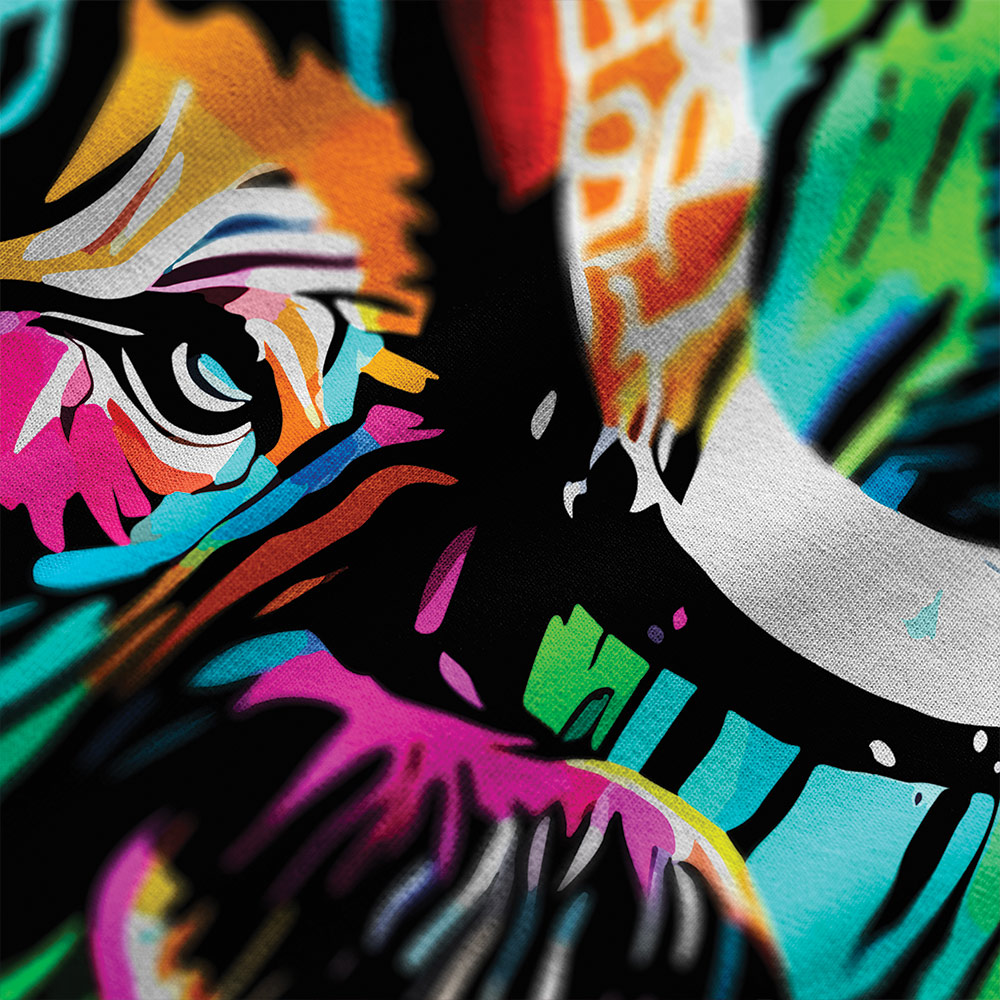
What else do you need?
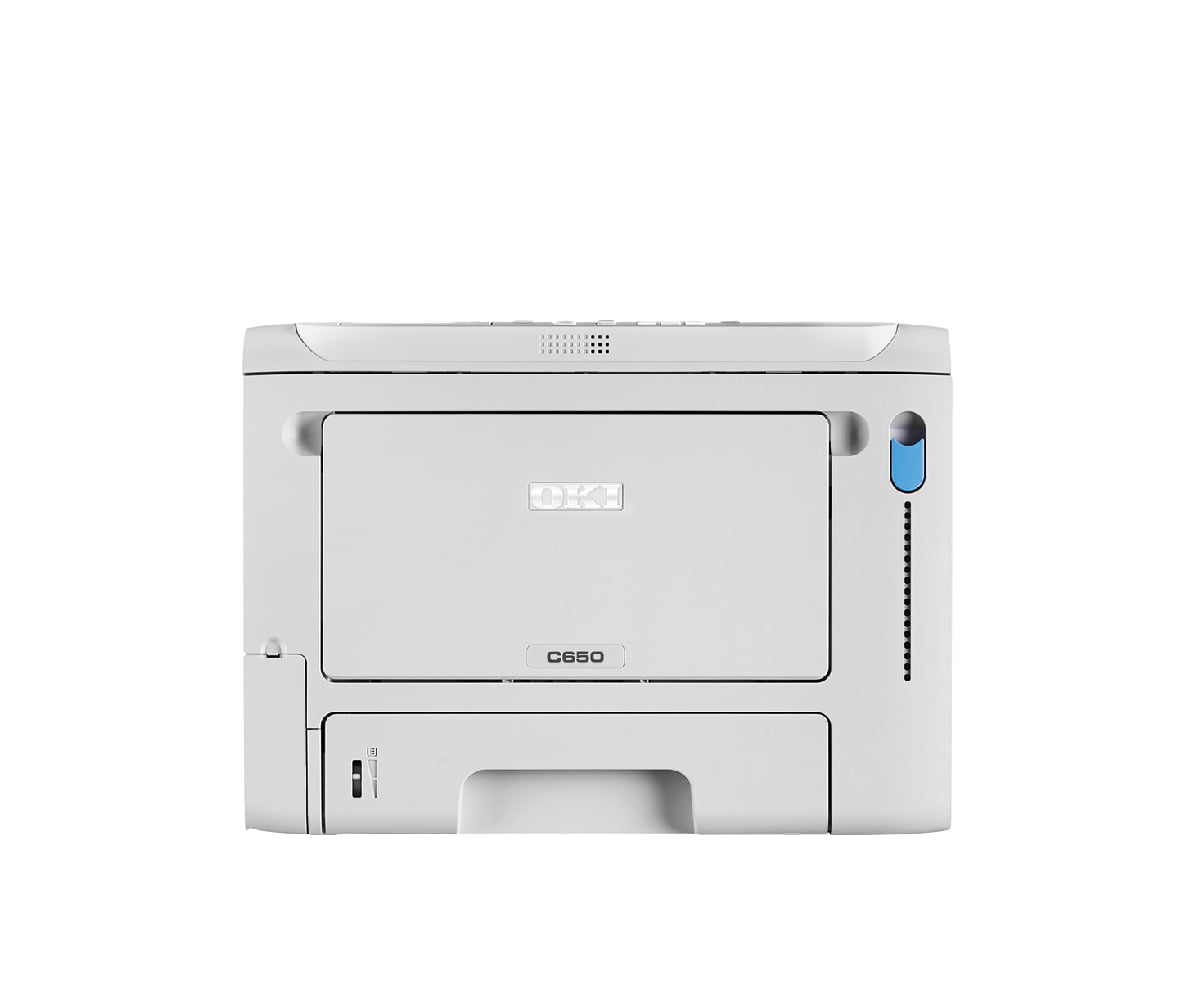
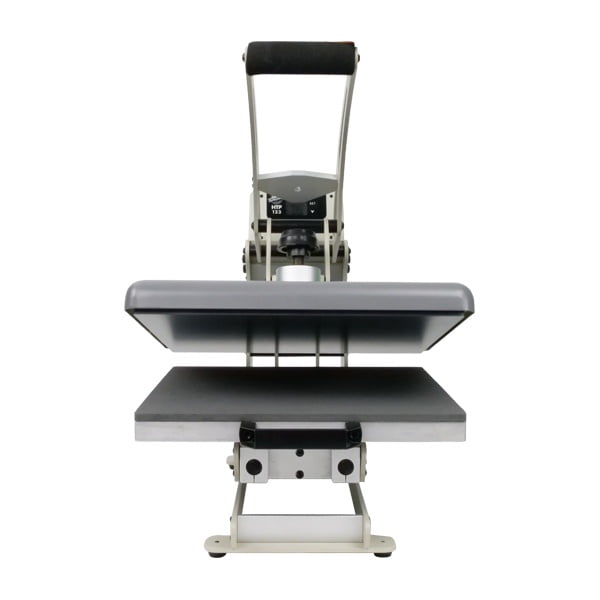
To use our transfer paper, you’ll need a few essential items. First, you’ll need a color laser or LED printer to transfer your designs onto the transfer paper. Next, you’ll need the transfer paper itself and a heat press. This device applies heat and pressure to effectively transfer your design to the desired surface. The heat press ensures even heat distribution and pressure, which is crucial for a successful transfer. Finally, don’t forget to prepare your fabric or blank product, making sure it’s flat and can withstand the heat of the heat press. Decals and tattoos do not require a heat press.
Conclusion
The conclusion is that using a color laser printer or LED printer is an easy, efficient and fast way to personalize textiles and products with a very low investment. The advantage is that you can print on a wide range of products without too many limitations. In addition, you can always expand later with a white toner printer. This approach offers flexibility and scalability for your printing needs.
Frequently Asked Questions
Check the FAQ if you haven’t found your answer yet.
Can I use any color laser printer?
Any colour laser or LED printer will generally work with TheMagicTouch transfer media. While we can’t list every compatible model here, we do have a handy compatibility list available so you can check if your printer is included.
Where can I find the correct print settings for my printer?
Our Help Center provides an overview of the printer settings required for different printer models.
Can I take a training course to learn more about transfer paper?
Yes, you can! Whether you’re a complete beginner or have been at it for a few years, we’re here to help you get the most out of it.
 4.6
4.6




