
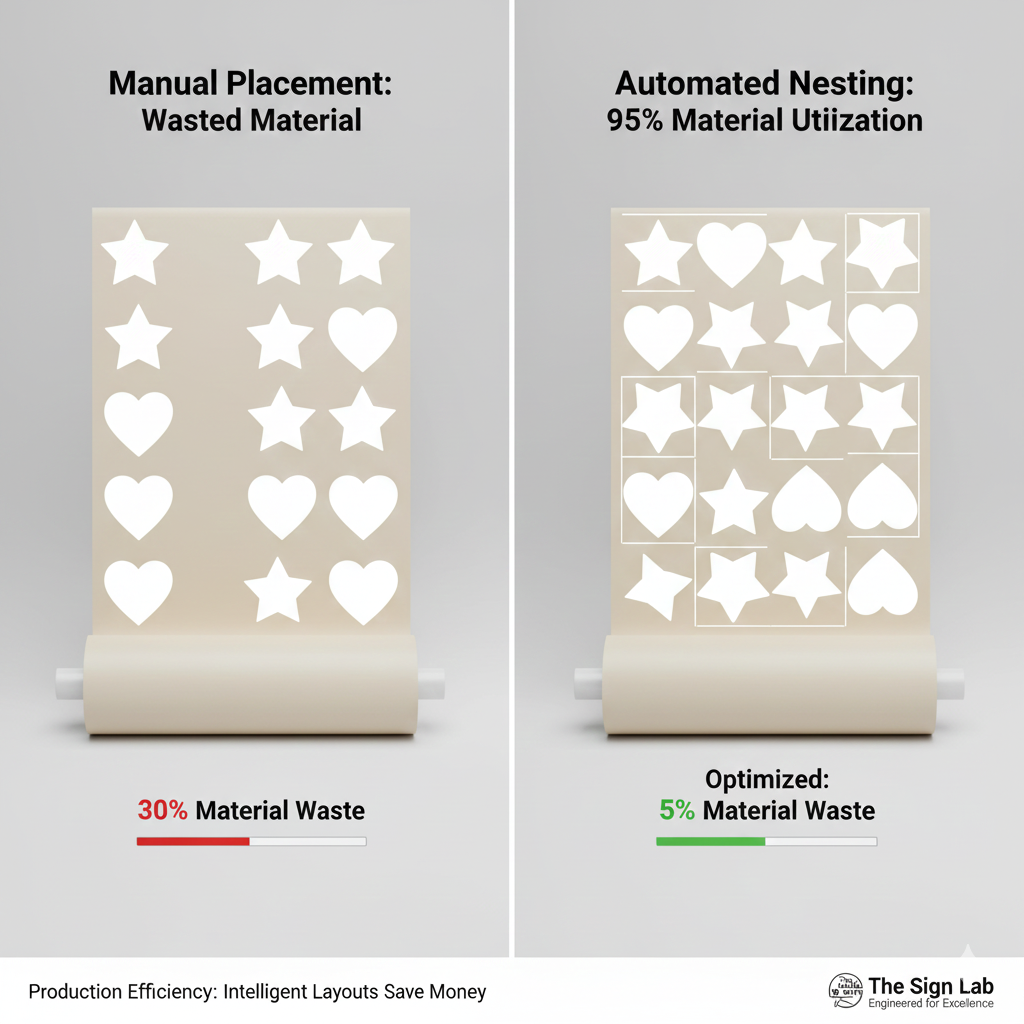
Nesting is an automated software process used in digital printing and cutting that intelligently arranges multiple designs, shapes, or print jobs onto a single sheet or roll of media. Instead of simply placing designs one after another in a linear row, nesting rotates and interlocks the graphics to fit as many as possible within the available width and length of the material.
Read more
Why It Matters: Impact and Use
In the production of heat transfers, stickers, and signage, Nesting is a critical technical workflow that directly impacts a business’s bottom line. Implementing efficient nesting demonstrates high-level in production management.
Margin Improvement: Because nesting reduces material waste by often 20% to 40% compared to manual placement, it directly increases the profit margin on every garment or sticker produced.
Waste Reduction & Sustainability: Material costs for Eco-Solvent media, DTF films, and Flex Foils can be significant. Nesting minimizes the “scrap” or “weed” areas, ensuring that the maximum percentage of every square meter is used for sellable products.
Production Speed: By grouping multiple different jobs into one “nest,” the printer and cutting plotter can process them in a single continuous run. This reduces setup time and the frequency of media loading, significantly improving overall workflow efficiency.
Optimized Cut Paths: Professional nesting software (like Silhouette Studio Business Edition or RIP software like Roland VersaWorks)) doesn’t just move images; it calculates the most efficient path for the cutting blade to travel, reducing wear and tear on the machine.
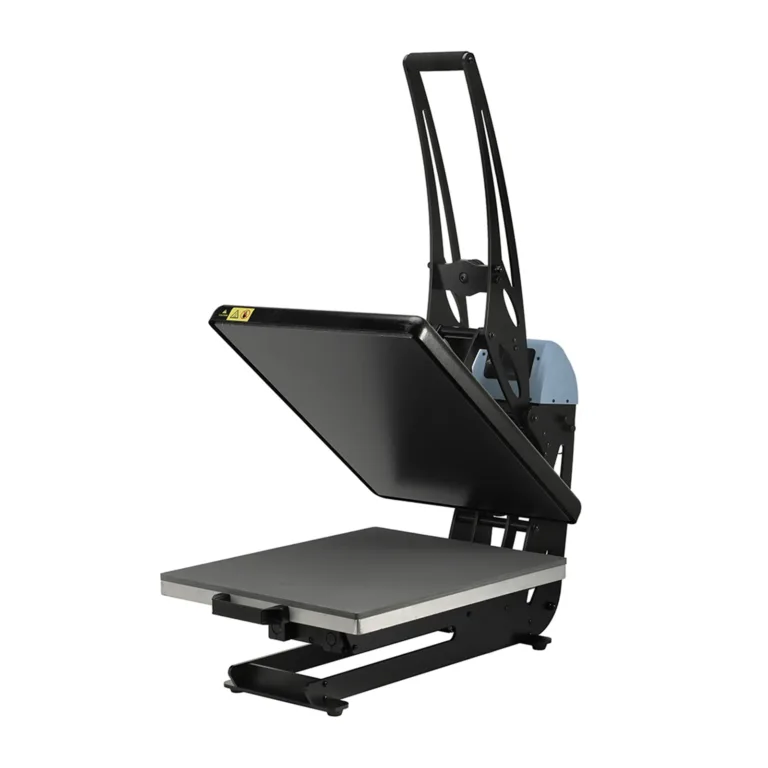
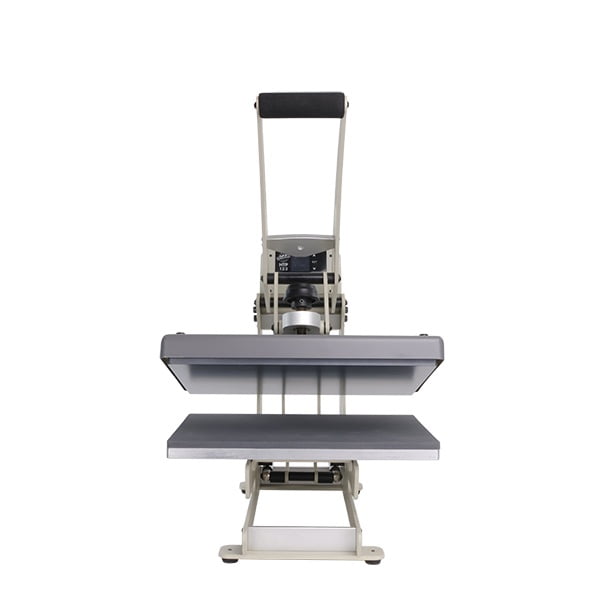
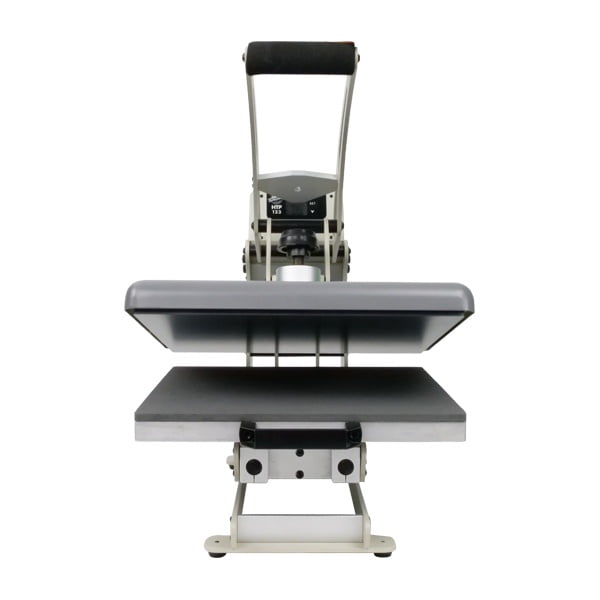
All clamshell Heat Presses
Manual vs. Automated Nesting
| Feature | Manual Placement | Automated Nesting |
| Media Usage | High waste; large gaps between items. | Highly economical; tight interlocking. |
| Speed | Time-consuming to arrange by hand. | Instant calculation by software. |
| Accuracy | Prone to human error and overlapping. | Precise spacing based on “buffer” settings. |
| Rotation | Usually kept upright. | Rotates shapes (0°, 90°, 180°) for best fit. |
Frequently Asked Questions
What is the difference between Nesting and Tiling?
Nesting fits many small, different designs onto one sheet to save space. Tiling is the opposite: it breaks one giant design (like a wall mural) into several smaller sections that are printed separately and joined together later.
Does nesting work for all types of transfer paper?
Yes, nesting can be used for any media. However, it is most beneficial for ‘Print & Cut’ workflows (like Eco-Solvent or DTF) where the software needs to organize complex shapes before the plotter starts cutting.
How much space should I leave between nested designs?
This is known as the ‘Bleed’ or ‘Buffer’ zone. For most cutting plotters, a gap of 2mm to 5mm between designs is recommended to ensure the blade has enough room to maneuver without cutting into the adjacent design.
 4.7
4.7




