
White First Mode is a specialized printer configuration for White Toner systems (such as the OKI Pro8432WT) where the white toner is deposited onto the media before the Cyan, Magenta, and Yellow (CMY) layers. In this sequence, the white toner acts as the base layer, with the colored pigments printed directly on top of it. This is the opposite of the standard “White Last” mode used for textile transfers.
Read more
Why It Matters: Impact and Use
Choosing the wrong mode can result in muddy colors or a complete lack of opacity when applied to the final product.
- Workflow Optimization: Using dedicated RIP software (like TheMagicTouch Software Pro) to manage these modes prevents manual errors. A single click ensures the printer knows exactly which drum is in which position, maintaining the correct registration (alignment) of the layers.
- Hard Surface & Clear Media Applications: White First Mode is essential for printing on transparent or metallic substrates where the viewer sees the design from the printed side (rather than through the back of a transfer).
- Example – TheMagicTouch DCT 4.5C: When creating waterslide decals for glass or ceramics, printing white first provides a solid “foundation” so that the CMY colors remain vibrant and opaque against the dark or transparent surface.
- Example – TheMagicTouch SPF 10 Clear Gloss: For clear stickers, White First ensures the colors aren’t “lost” when placed on a colored background.
- Technical Hardware Swap: Implementing White First Mode often requires a physical hardware adjustment. In printers like the OKI Pro8432WT, the user must physically swap the positions of the White and Cyan toner/drum units. The TheMagicTouch Software Pro then recalibrates the firing order to match this new physical layout.
- Color Accuracy & Vibrancy: By placing the white layer underneath the color, you prevent the substrate color from “bleeding” through. This is vital for maintaining brand consistency and achieving a high ROI (Return on Investment) by eliminating wasted media due to poor color reproduction.

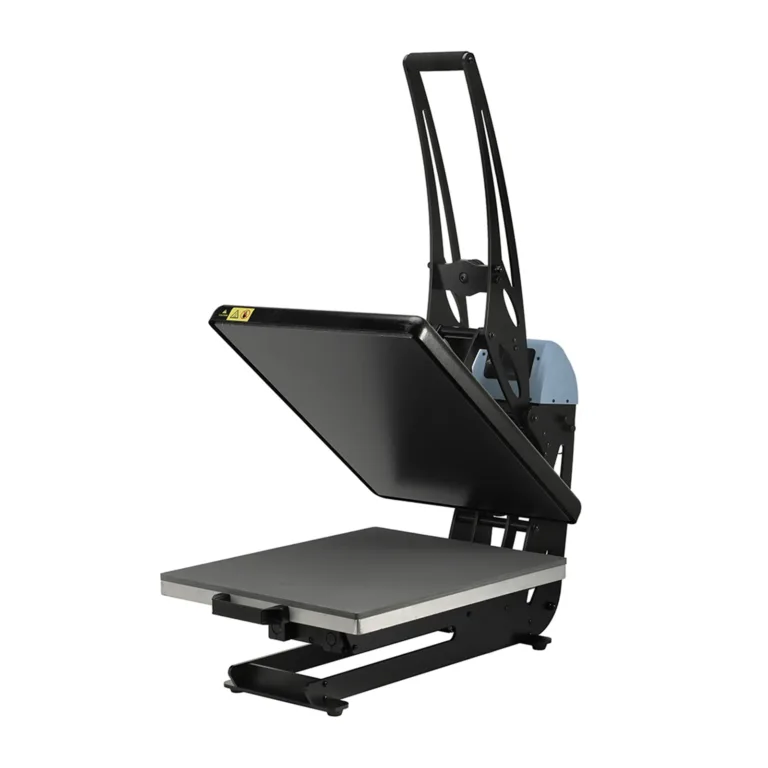
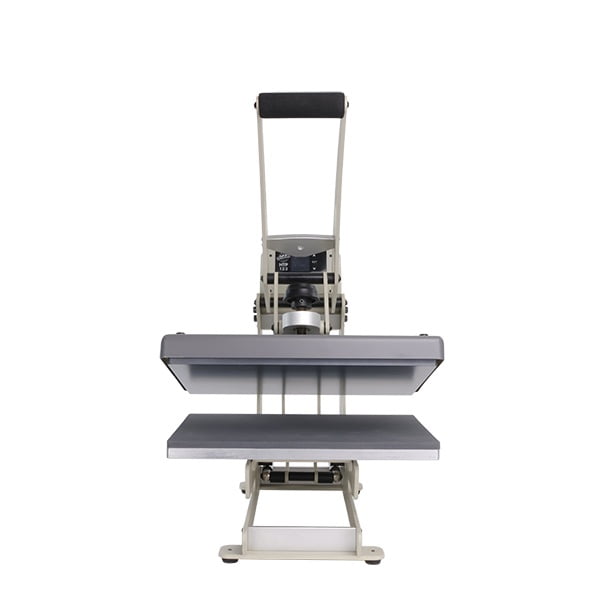
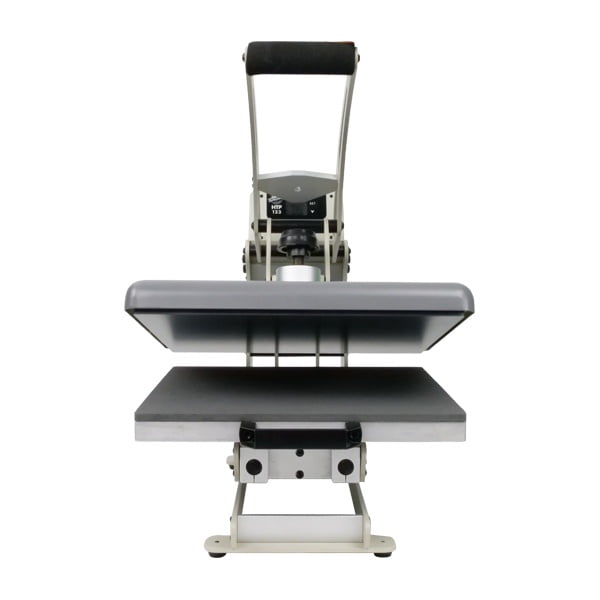
All clamshell Heat Presses
Comparison: White First vs. White Last
| Feature | White First Mode | White Last Mode |
| Layer Order | White → CMY | CMY → White |
| Primary Media | Decals (TheMagicTouch DCT 4.5), Clear Film (TheMagicTouch SPF 10) | Textile Transfers (TheMagicTouch TTC 3.1, TheMagicTouch WOW Dark, TheMagicTouch WOW Light. |
| Viewing Angle | Viewed from the printed side | Viewed through the carrier (Mirrored) |
| Hardware Setup | Drums Swapped (W in front) | Standard Setup (W in back) |
Frequently Asked Questions
When should I use White First Mode?
Use White First Mode for non-mirrored applications where you are printing on clear or dark hard surfaces, such as decals (TheMagicTouch DCT 4.5) or clear stickers (SPF 10). This puts a white base layer under your colors so they remain opaque.
Do I need to move the drums in my OKI printer for White First?
Yes. For the OKI Pro8432WT, you must swap the Cyan and White drums/toners. Always ensure you update the setting in TheMagicTouch Software Pro to match the physical location of the drums to avoid printing errors.
What happens if I print CMYK on a dark surface without White First?
Because standard printer toners are translucent, the dark color of the substrate will show through the print, making the image look dull, dark, or nearly invisible.
 4.7
4.7




