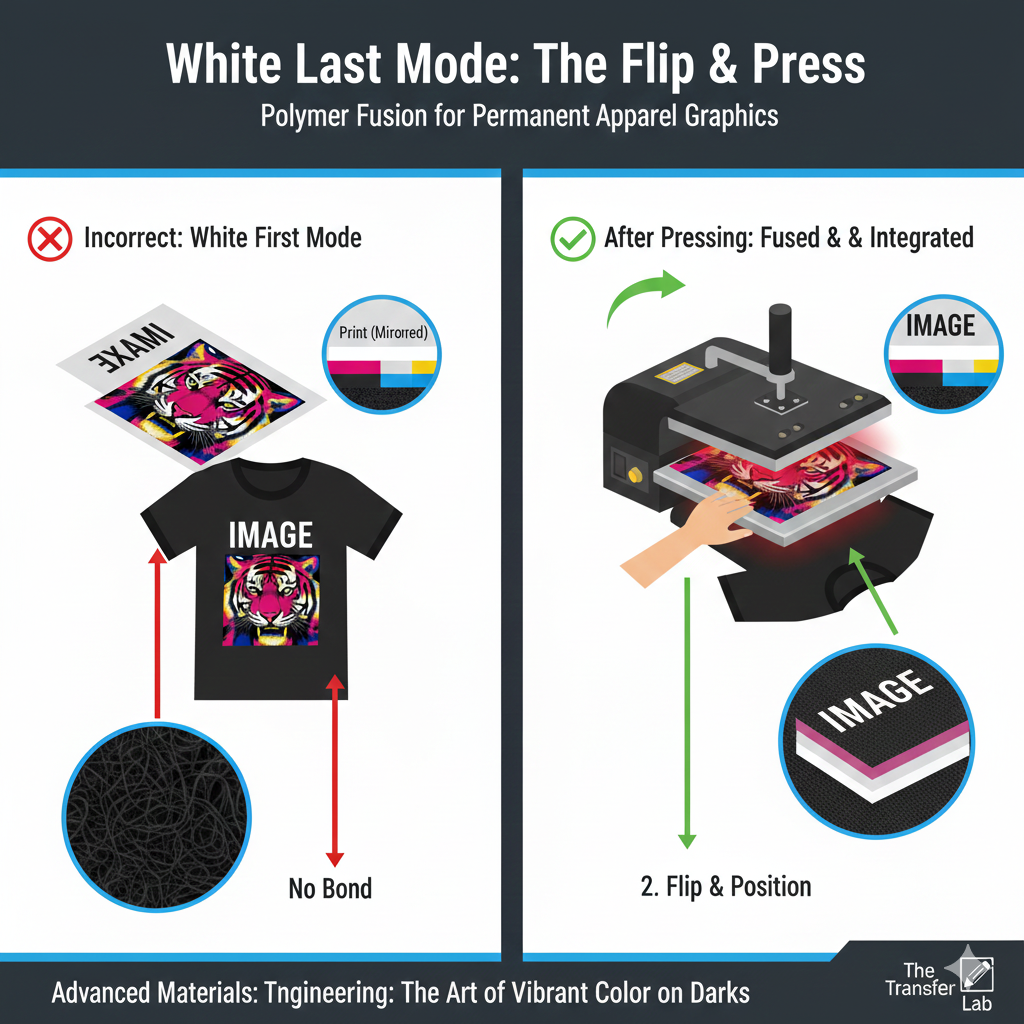
White Last Mode is the standard printing configuration for White Toner Laser/LED printers (such as the OKI Pro8432WT) where the white toner is applied as the final layer on top of the Cyan, Magenta, and Yellow (CMY) toner. In this workflow, the image is typically printed in Reverse (Mirror Image) on the transfer media so that when it is flipped and pressed onto a garment, the white layer ends up underneath the colors, acting as an opaque under-base.
Read more
Why It Matters: Impact and Use
White Last Mode is the “engine” behind professional-grade dark garment decoration. It is a fundamental concept because it solves the historical problem of printing vibrant colors on black fabrics.
- Opaque Under-base for Textiles: When transferring to a dark t-shirt, the fabric fibers would normally “absorb” translucent CMY toners, making the design invisible. By printing White Last, the white toner becomes a solid barrier that reflects light, ensuring colors remain vivid and true to the original design.
- Optimized for Two-Step Transfers: For systems like TheMagicTouch WOW Dark or TheMagicTouch WOW Light, White Last Mode is essential. The white toner provides the chemical surface for the B-Paper adhesive to bond to, ensuring a durable and “self-weeding” result.
- Mirror Image Workflow: Because the white is on top, the design must be mirrored with many types of transfer paper, but not with others, such as TheMagicTouch WOW – Dark. Therefore, using the print software TheMagicTouch Software Pro is very important. It ensures that the print is always positioned correctly on the transfer paper.
- Maximizing ROI: Understanding that White Last is the default for 90% of textile applications prevents costly errors. Printing in the wrong mode on expensive transfer paper leads to “muddy” prints where the white is hidden behind the color on the garment.
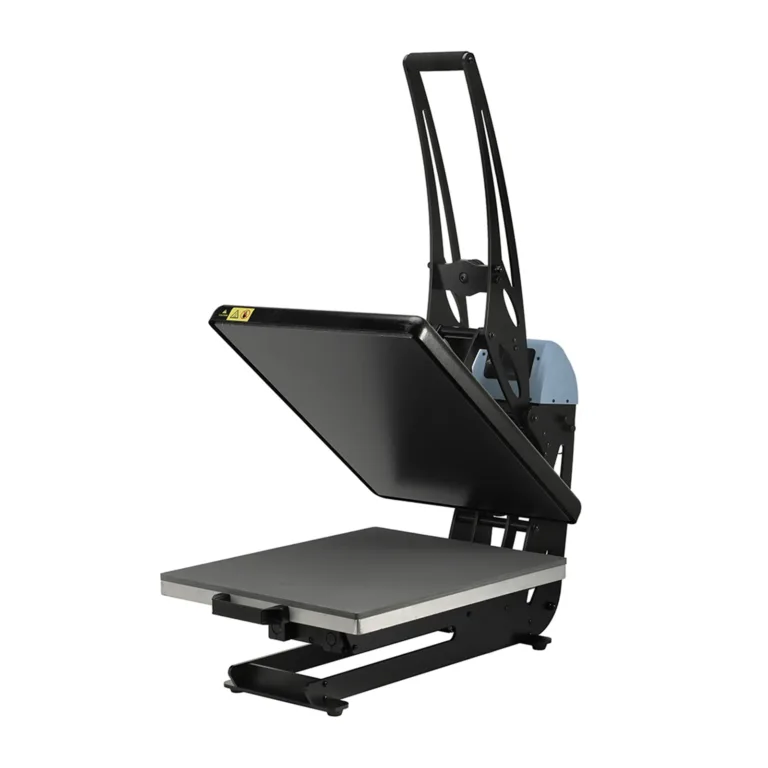
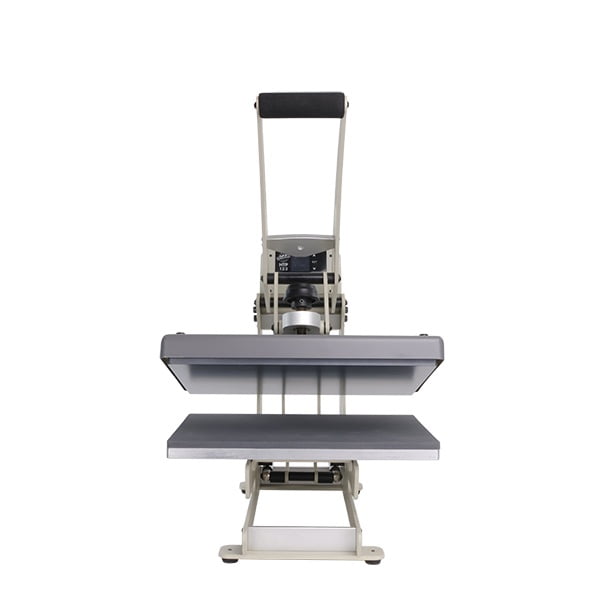
All clamshell Heat Presses
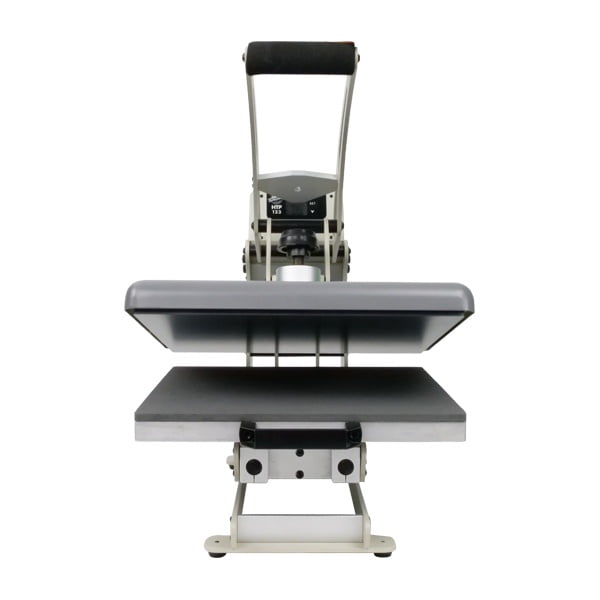
Comparison: White Last vs. White First
| Feature | White Last Mode | White First Mode |
| Layering Order | CMY first, White on top | White first, CMY on top |
| Typical Product | Dark T-shirts, Hoodies, Bags | Clear Decals (TheMagicTouch DCT 4.5C), Window Stickers |
| Image Orientation | Mirrored (Reverse) | Positive (Right-reading) |
| Printer Setup | Standard Drum Arrangement | Swapped Drums (White/Cyan) |
Frequently Asked Questions
Why is the white toner printed last?
In transfer printing for textiles, the image is mirrored. By printing white last, it sits on the ‘top’ of the paper. When flipped over and pressed onto a shirt, that white layer ends up on the ‘bottom’ against the fabric, acting as a primer for the colors.
Do I need to mirror my design in White Last Mode?
Usually yes, but there are exceptions such as TheMagicTouch WOW -Dark and TheMagicTouch WOW – Light. TheMagicTouch Software Pro handles this automatically for the user and switches mirror image on or off exactly when needed.
Can I use White Last Mode for clear stickers?
Usually no. For clear stickers or ‘right-reading’ decals like TheMagicTouch DCT 4.5C, you would use White First Mode so the white sits behind the color when applied to the surface without mirroring.
 4.8
4.8




