
Our clear knowledge base about cutting plotters contains extensive information on all common printing techniques, so you can quickly and easily find the answers to all your questions.

Essential steps to set up your new cutting plotter and prepare your first project.

Find the ideal force, speed, and blade depth for various materials like vinyl and cardstock.

Expert advice and helpful shortcuts to troubleshoot common issues and improve cut quality.

A comprehensive list of terms and definitions related to cutting plotters and software.

Answers to the most common questions about operation, maintenance, and software compatibility.

Stay informed about new plotter models, software features, and critical firmware updates.
Glossaries about Cutting Plotters
All GlossariesTraining for Cutting Plotters
All Training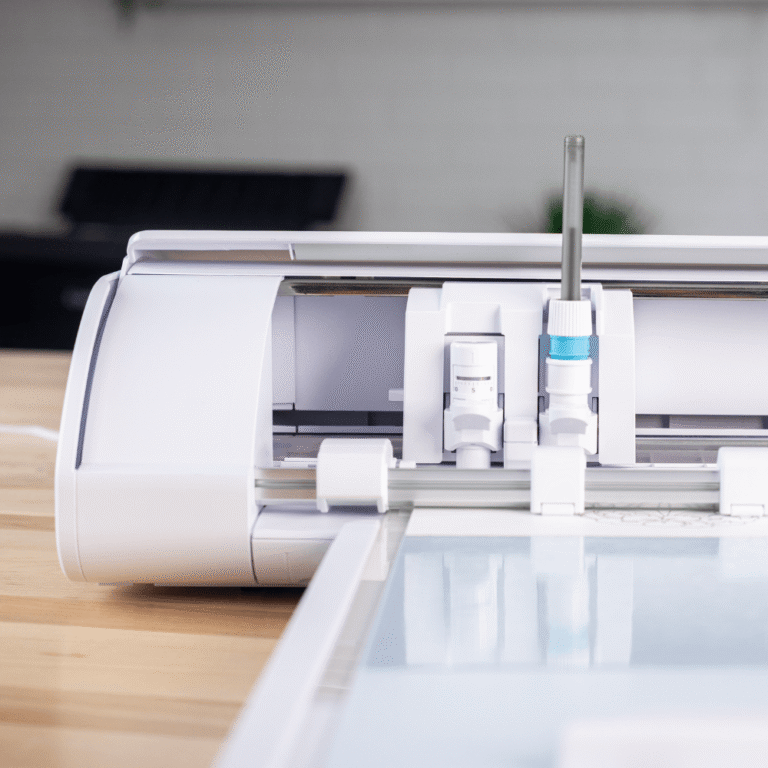
FAQ’s about Cutting Plotters
More FAQ’s-
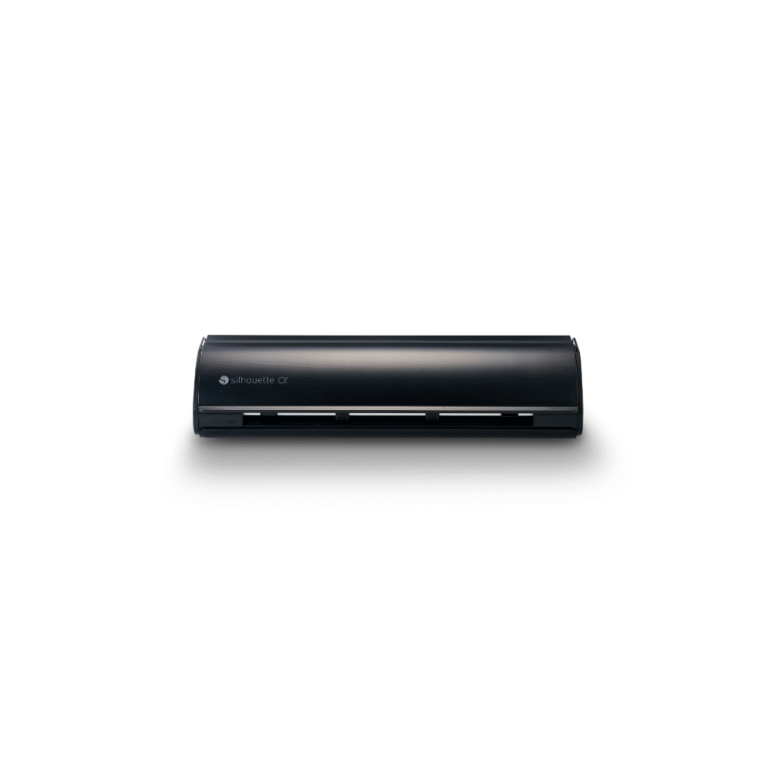
I just bought a Silhouette Cameo. How do I install it?
Congratulations on your purchase! All the steps for unboxing, installing the software, and connecting your Silhouette Cameo can be found in our detailed Installation.
-
My plotter is making a strange rattling sound when the carriage moves left. What should I do?
If your Silhouette Cameo makes a rattling sound when the carriage moves left, check the following:
1. Turn the plotter off.
2. Gently move the carriage all the way to the right.
3. Check the far right side of the machine (often visible from the back) for any leftover packaging material.1.
4. Remove this material and restart the plotter. This typically resolves the issue. -
The cutter is not cutting properly, or the film is not cut through. What is the problem?
1. No visible cut (Cameo): Check that the blade is correctly inserted and locked. Ensure the blade is pushed far enough into the holder and that the locking lever is firmly secured.
2. Poor cut / Inaccurate corners: The blade is likely dull and needs replacement. Alternatively, the cutting depth might be set too deep, causing the blade to drag and produce inaccurate curves.
3. Damaged Cutting Strip: If the problem persists, the self-adhesive cutting strip (where the blade rests) may be too damaged. This strip is easy to peel off and replace with a new one. -
Do I need special blades for cutting Flex Film (HTV)?
No, all Flex Film (HTV) variants can be cut using the standard blade supplied with your plotter. However, it is always wise to keep a spare blade in stock so you are not stranded if your current blade becomes dull mid-project.
-
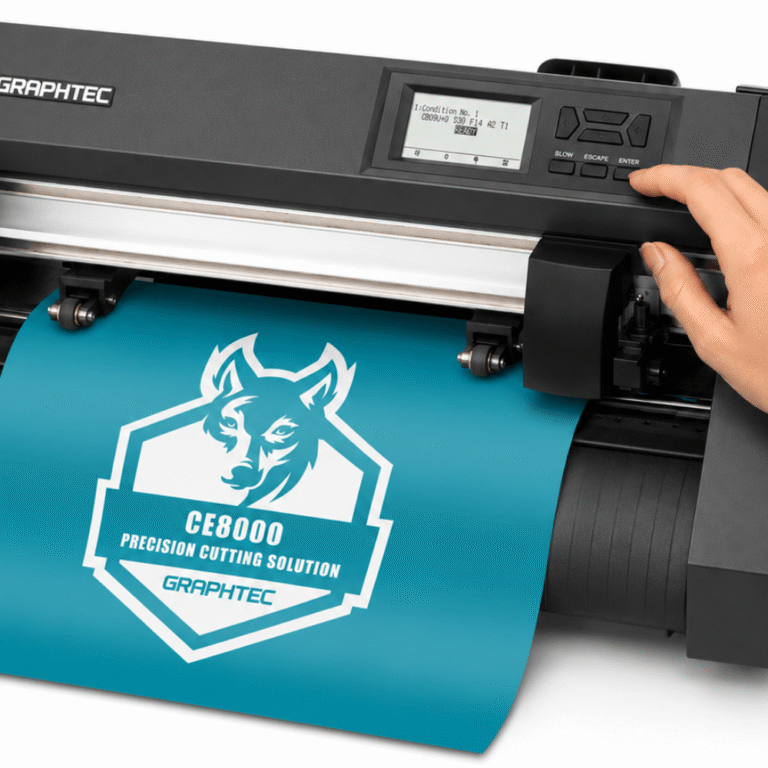
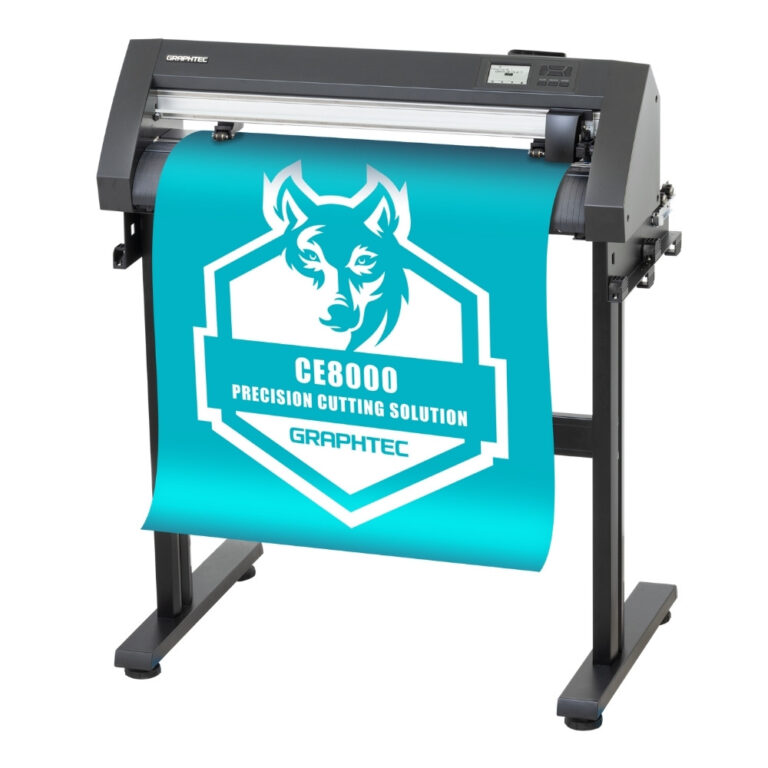
My Graphtec plotter displays “REALIGN ROLLERS.” What does this mean?
This message indicates that one or both of the pressure rollers are not correctly positioned on the cutting bar. They must be aligned directly underneath the blue marks on the plotter.
Solution: Lower the lever at the back of the plotter, reposition the pressure rollers correctly, and reload the media.
-
For Graphtec plotters, what is the difference between ROLL 1, ROLL 2, and SHEET?
All three options measure the width (distance between pressure rollers) of the material. The difference lies in the starting position and length measurement:
ROLL 1: The plotter moves the material to the start point (cutting position).
ROLL 2: The plotter leaves the material in the user’s current position.
SHEET: The plotter measures both the width and the length of the material (for sheet media). -
How do I optimally set up my plotter, and can I clean my blade?
For a perfect cut, you should always perform a test cut first. Find the steps on how to do this best in our article “Achieving the Perfect Blade Setting”. Cleaning the blade is highly beneficial! Tiny particles can accumulate and impair cutting performance.
-
I’m new to cutting plotters. Do you offer training?
Absolutely! We offer cost-effective, personalized training sessions (online or at our showroom) to guide you through the software, the plotter itself, and working with materials like Flex Film. We offer both Graphtec training and Silhouette training options.
-
Can I have printed DTF jobs cut out by a cutting plotter?
Yes, that’s possible! With the Graphtec FC9000 series cutting plotters. These have a special “Film Mode” to make this possible.
https://youtu.be/_jdRrL2yQdE?si=v6rHlkwrcNUJfv82
 4.8
4.8




