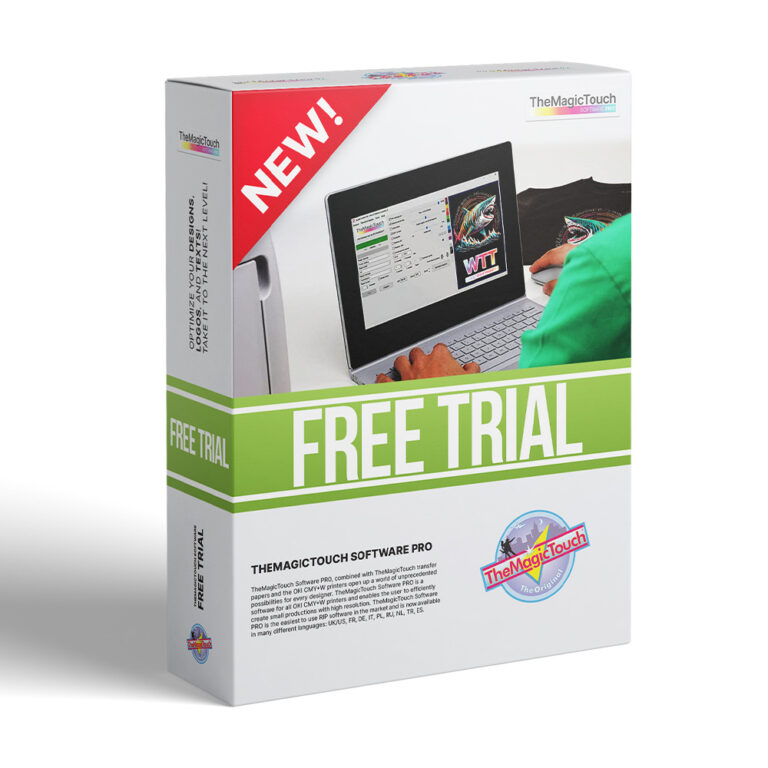
Request a free trial of TheMagicTouch software and benefit from the simplest and most advanced software for laser and LED printers for 14 days!
TheMagicTouch software Basic or Pro has been developed with the idea of developing easy software. No complicated RIP software with endless windows and possibilities but a simple printing tool with a few mouse clicks where the software controls the printer to print as much and as perfectly as possible with TheMagicTouch transfer paper. TheMagicTouch Software Basic & Pro is available in 9 different languages, with a lifetime license and is also continuously being developed to continue to offer the latest possibilities.
TheMagicTouch Software is available in two editions to meet your specific needs. The Basic edition is perfect for CMYK printers and offers all the essential tools for creating high-quality transfers. The Pro edition is designed for CMYW printers and includes advanced features for even more creative possibilities.
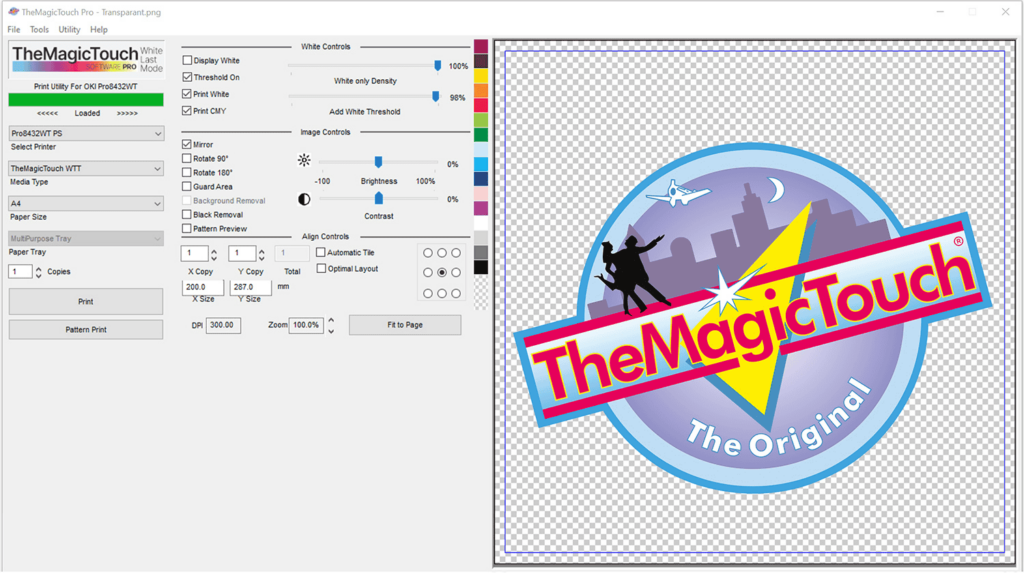
Try TheMagicTouch Software now for 14 days free!
Free trialSimple, fast and incredibly efficient
TheMagicTouch Software offers a number of great advantages that make it worth using.
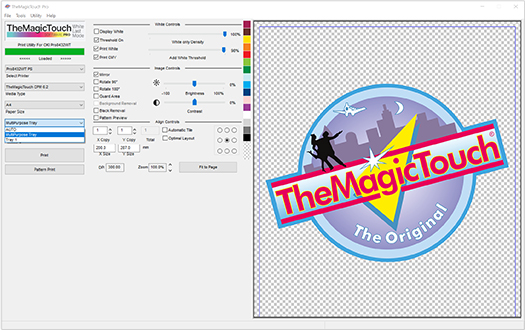
Usability
TheMagicTouch software has an intuitive interface, making it easy to use for both beginners and experienced users.
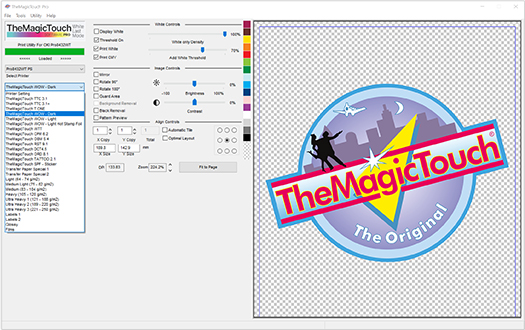
Click and Print
Select the media you want to print and TheMagicTouch software does the rest, ensuring your design is printed ‘optimally’.
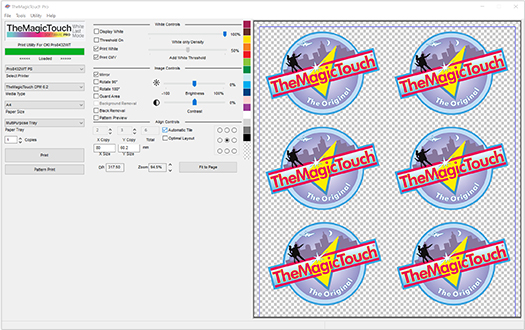
Smart Options
TheMagicTouch software offers a number of useful features, such as automatic mirroring, enlarging, reducing and repeating of designs.
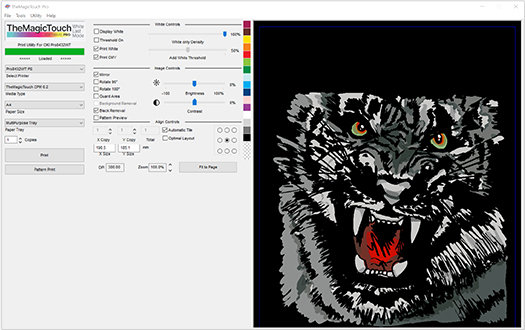
Black Removal
TheMagicTouch software automatically adjusts the color management. Depending on the design, you can still adjust this manually.
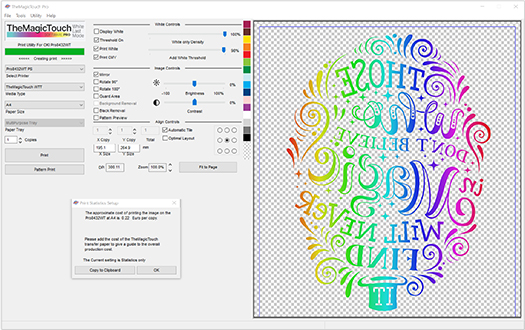
Cost Savings
TheMagicTouch software optimizes toner usage, saving you money on your printing costs.
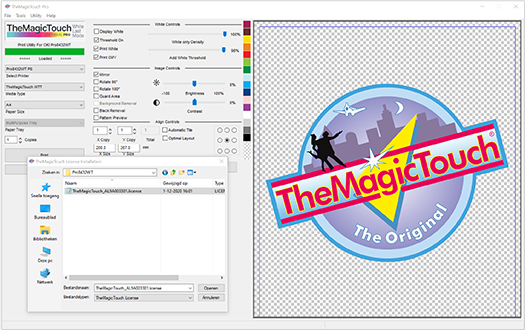
Easy installation
In our knowledgebase you can read all about the installation and frequently asked questions from users about TheMagicTouch software.
Are you ready?
Order TheMagicTouch software or request the Free Trial for free.
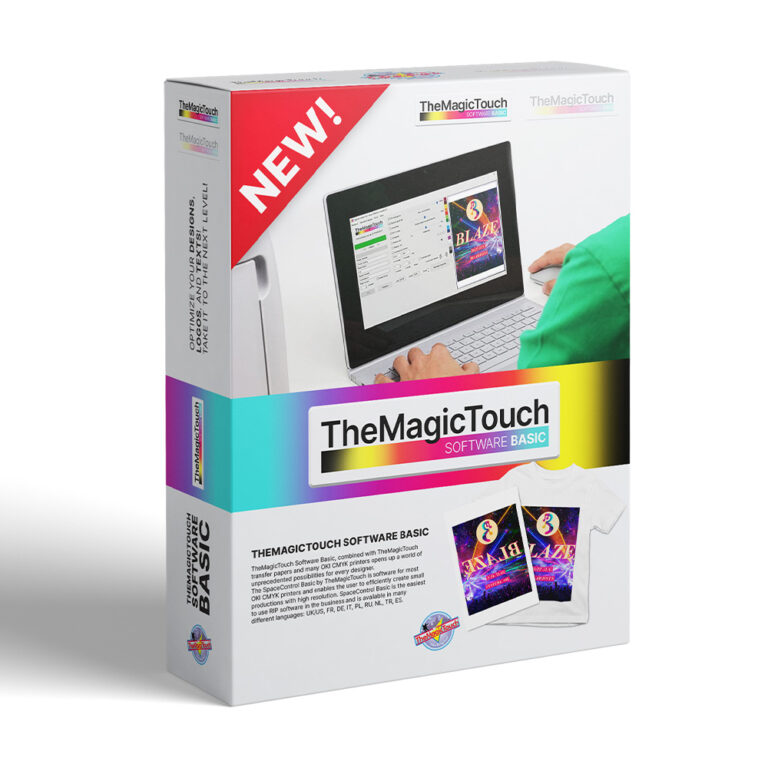
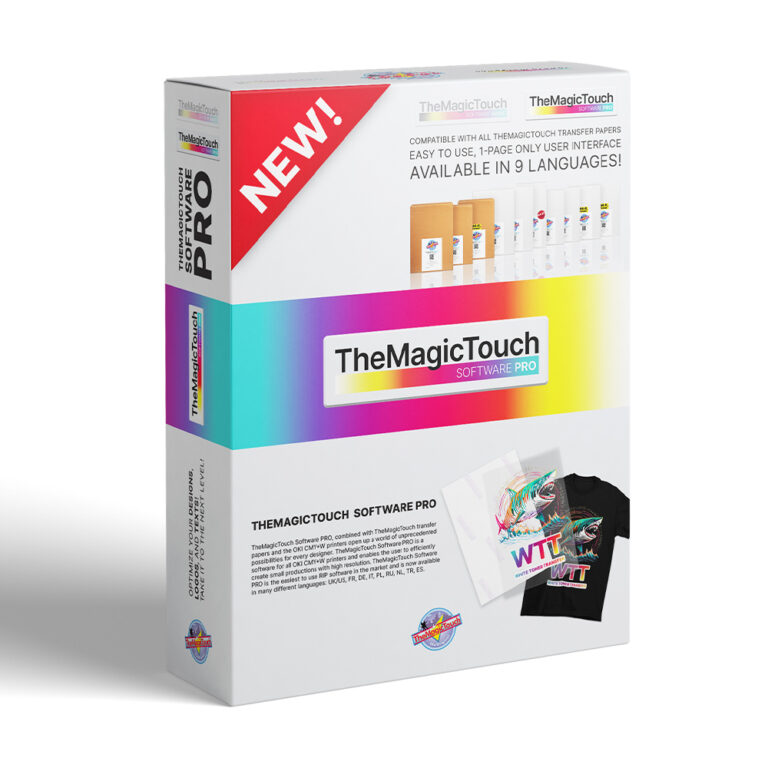
Continuously new features
The latest addition is the ability to remove a black background from an image, in just one click!
- Files with black background
- View files on all background colors
- New paper setting
Perfect with TheMagicTouch WTT
The latest white toner transfer offers seamless integration in combination with TheMagicTouch PRO software
- One mouse click to print one transfer.
- One window where everything happens.
- All options and choices in Dutch.
“TheMagicTouch software Basic has made it so incredibly easy to print designs, without having to go through screen after screen after screen. A lifetime license, and no monthly fees. Thanks!“
Jeremy Holt
Ondernemer
“Here in Suriname everyone owns TheMagicTouch software and everyone is satisfied with the easy nature of this easy software.”
Jessica Owen
Ondernemer
“I recently had to train a new colleague, and within 5 minutes she can print all our designs. Because of the easy functions and also because we can choose our language, we are very satisfied.“
Lisa Smith
Marketing manager
“After requesting the Free Trial we received a free demonstration and after the purchase I was called to see if everything was working satisfactorily and if I had any feedback. With the new functions you can do more and more.”
Amy Miller
Eigenaar
Frequently Asked Questions
Check out the frequently asked questions if you haven’t found the answer yet.
Why is TheMagicTouch Basic or Pro software needed?
No, you don’t need TheMagicTouch Software Pro to print designs on TheMagicTouch transfer media. But we do recommend it.
Why? TheMagicTouch Software Pro:
1. Best color profiling for TheMagicTouch transfer media.
2. All transfer media in one dropdown.
3. Remove black background
4. And much more.
Is TheMagicTouch software available for Windows and Apple Mac os?
No, TheMagicTouch software is currently only available for Windows operating systems. There are no plans to release a version for Mac OS in the future.
We understand that this may not be ideal for Mac users, but unfortunately the cost of developing and maintaining a Mac version is prohibitive at this time. However, we are always investigating new features and will keep our customers informed if anything changes in the future.
In the meantime, Mac users may be able to use the software via a Windows emulator or by using a Windows PC for printing.
 4.7
4.7