
TheMagicTouch Software is a Printing Utility designed to optimize the digital printing workflow for heat transfer papers. Unlike standard printer drivers, this utility manages critical technical variables—such as white toner density, color profiles, and media-specific fusing temperatures—to ensure the best possible adhesion and color accuracy on diverse substrates.
Read more
Why It Matters: Impact and Use
Operating a professional transfer business without dedicated RIP software can lead to high waste and inconsistent quality. TheMagicTouch Software serves as a bridge between your creative design and the technical requirements of the heat press process.
- Advanced White Toner Control: For users of OKI White Toner printers, the “Pro” version allows for precise management of white toner. You can choose to print “White First” (for hard surfaces) or “White Last” (as an underbase for dark textiles), ensuring maximum opacity and vibrant colors on any background.
- Optimized Fusing & Fixation: Transfer papers are thicker and have unique coatings compared to standard office paper. The software automatically configures the printer’s Media Weight and Fusing Temperature to prevent paper jams and ensure the toner is properly “cured” onto the sheet.
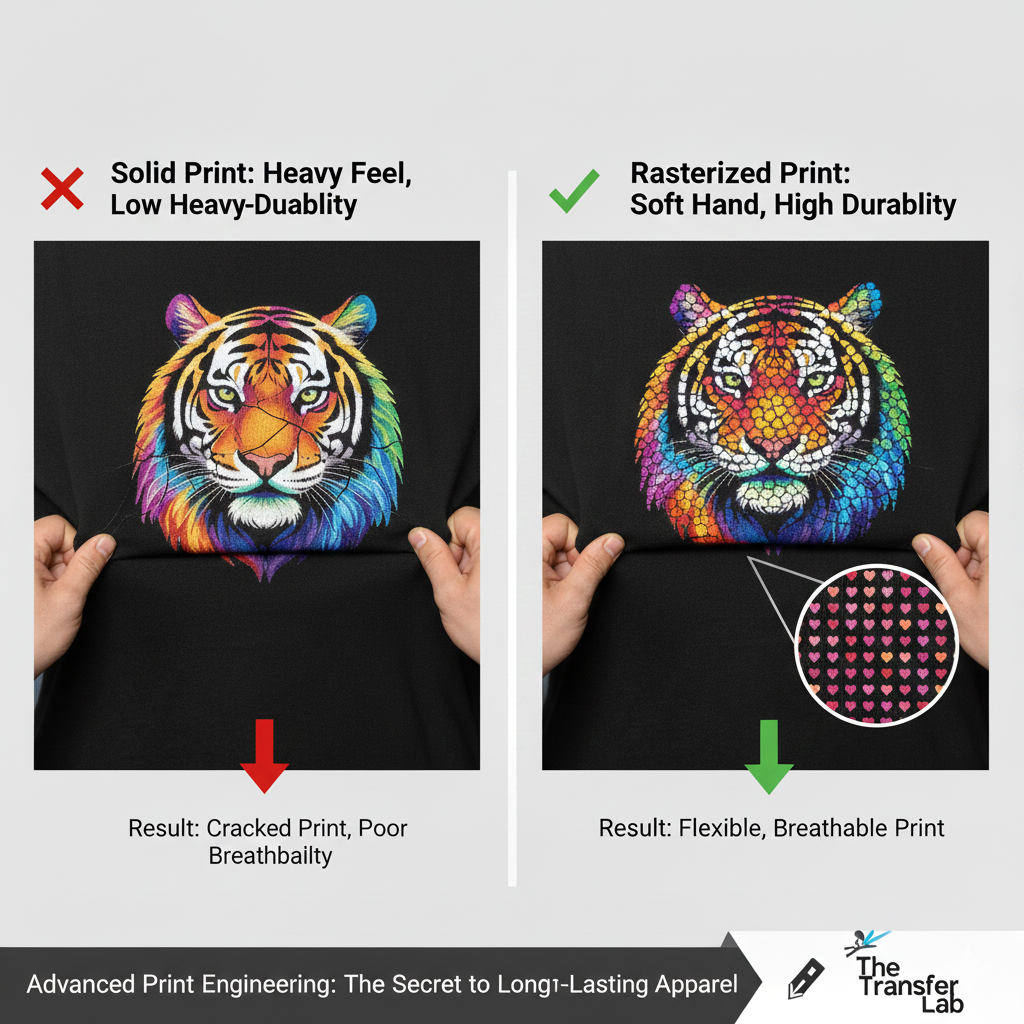
- Cost Efficiency & ROI: By utilizing the software’s Rasterization features (Pattern Printing), you can reduce toner consumption by up to 40% while simultaneously creating a “soft-hand” feel on garments that is more durable in the wash.
- Automated Workflow: Features like Automatic Mirroring, Image Tiling (for repeating logos), and Background Removal (JPG to Transparent) save hours of manual prep time in Photoshop or Illustrator, directly improving your daily production ROI (Return on Investment).
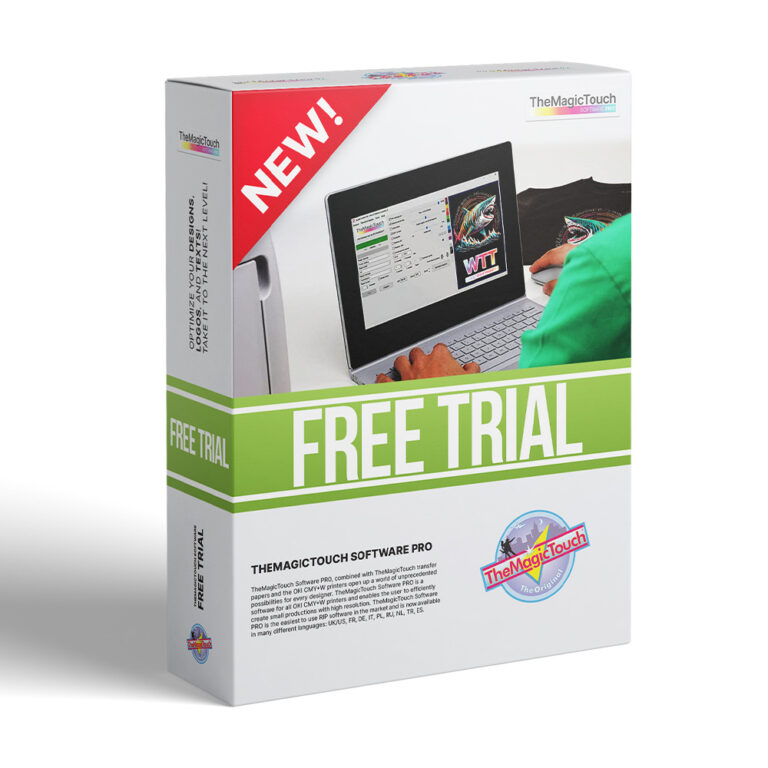
TheMagicTouch Software
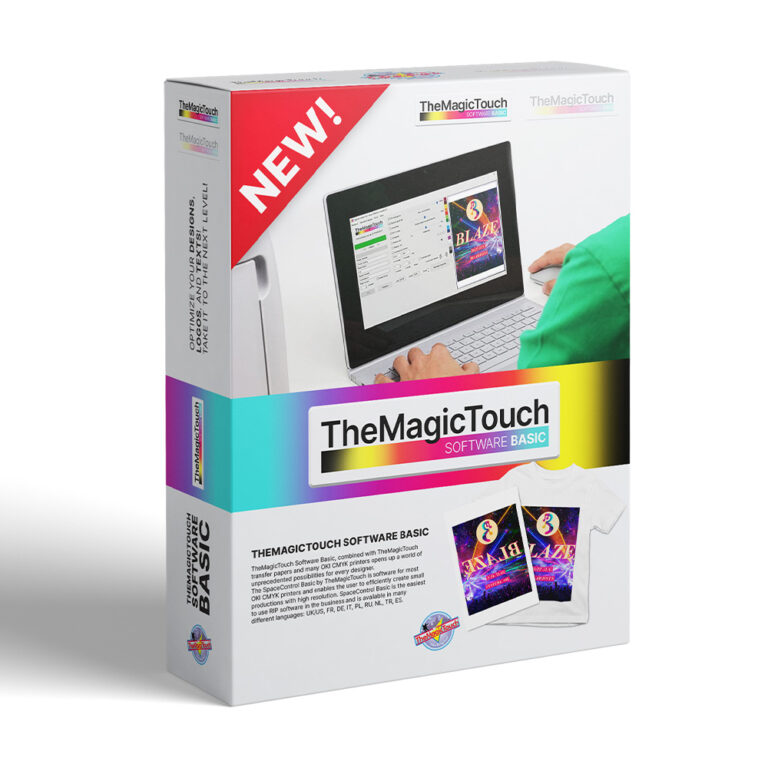
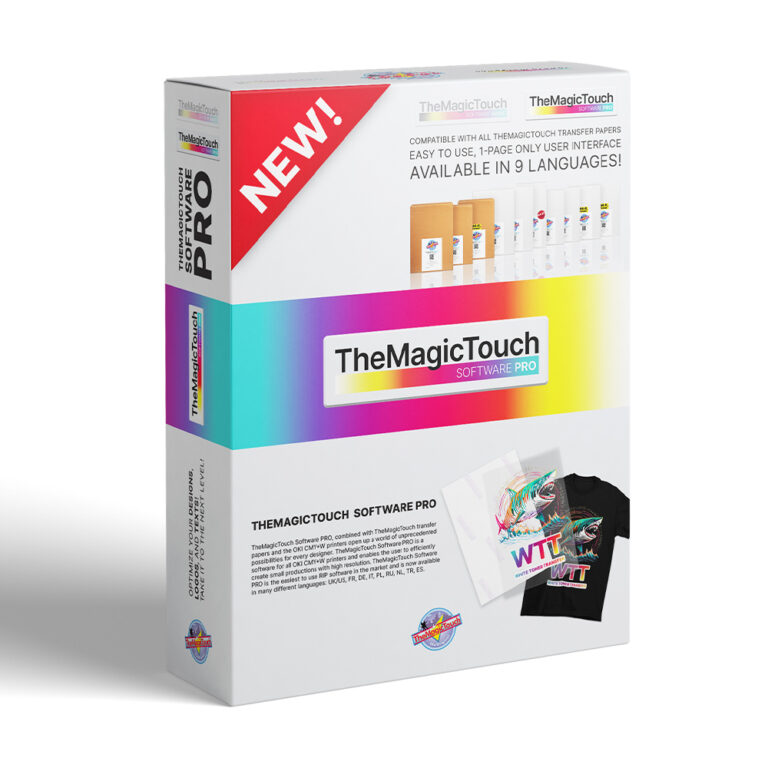
Comparison: Basic vs. Pro Versions
| Feature | TheMagicTouch Software Basic | TheMagicTouch Software Pro |
| Printer Type | Standard CMYK (Laser/LED) | CMY + White Toner (WT) |
| White Toner Control | N/A | Full Control (Opacity & Mode) |
| Media Presets | All TMT Transfer Papers | All TMT Transfer Papers |
| Key Function | Color Management & Scaling | White Management & Rasterization |
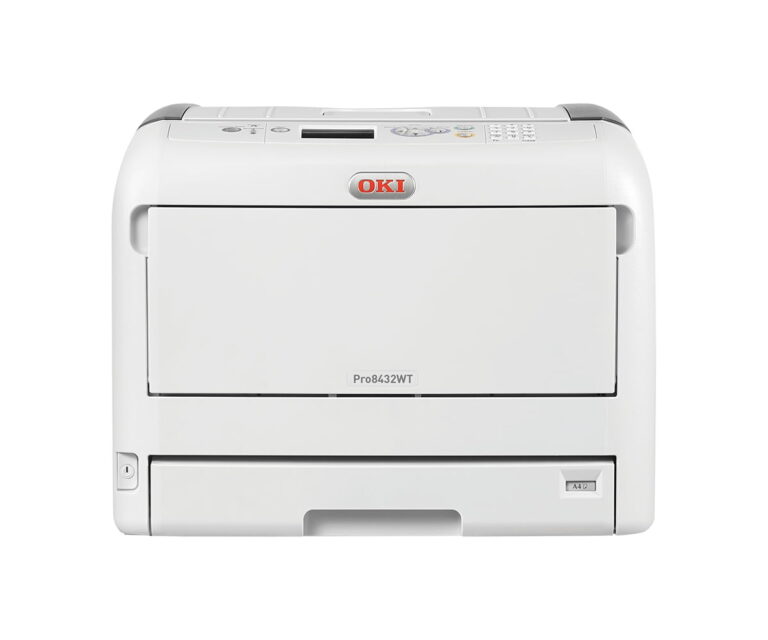
| Compatibility | Ricoh P C301W, OKI C650, etc. | OKI Pro8432WT, C711WT, etc. |
Frequently Asked Questions
Do I really need special software to print transfer paper?
While you can use a standard driver, TheMagicTouch Software is highly recommended because it automates complex settings like color profiling, mirroring, and heat-specific fusing. For White Toner printers, it is essential for controlling the opacity and placement of the white layer.
What is ‘Rasterization’ in TheMagicTouch Software?
Rasterization breaks a solid image into small dots or patterns (like hearts or stars). This makes the garment feel softer, improves wash-fastness by allowing the fabric to breathe, and can save you up to 40% in toner costs.
Can I use the software on a Mac?
TheMagicTouch Software is primarily a Windows-based utility. Mac users typically run the software using a Windows partition or ‘Parallels’ to ensure full communication with the OKI and Ricoh printer hardware.
 4.7
4.7




